43
SELECTING THE EXPOSURE MODE
The features and the operation methods of the four different exposure
modes of the camera are explained below.
WARNING !!
In this section, the instruction is written on the assumption that [Switch
Dial Functions] of [ Capture Settings] (P.27) is in the initial setting.
If the actual proceeding is different with the instruction manual, see
P.125 for instruction of [SWITCH DIAL FUNCTIONS].
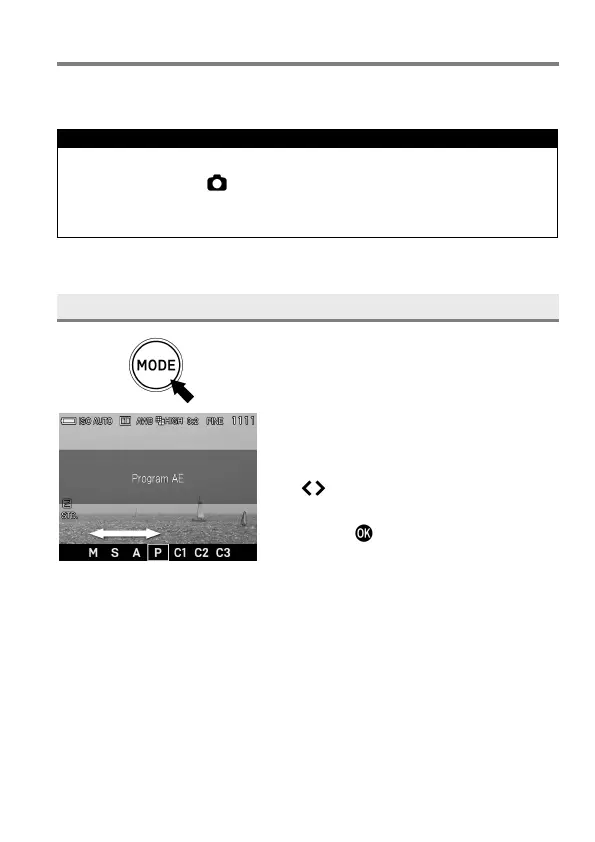
SELECTING THE EXPOSURE MODE
1
Press the Mode button (The mode
selection will be displayed on the bottom
of the LCD monitor.)
2
Select the desired exposure mode by
using the Front and Rear Dials, or press
the buttons.
3
Press the button or shutter button
“half-way” to return to shooting mode.



 To Next Page