90
FLASH EXPOSURE COMPENSATION
It is possible to compensate the flash output level without changing the
background’s exposure.
The Flash Exposure Compensation can be set from [ Capture Settings]
(P.27) → [Flash] → [Flash Exposure Compensation].
Select the desired compensation value by using the buttons.
Flash Exposure compensation can be set in 1/3 stop increments from
+3.0 to -3.0 stops.
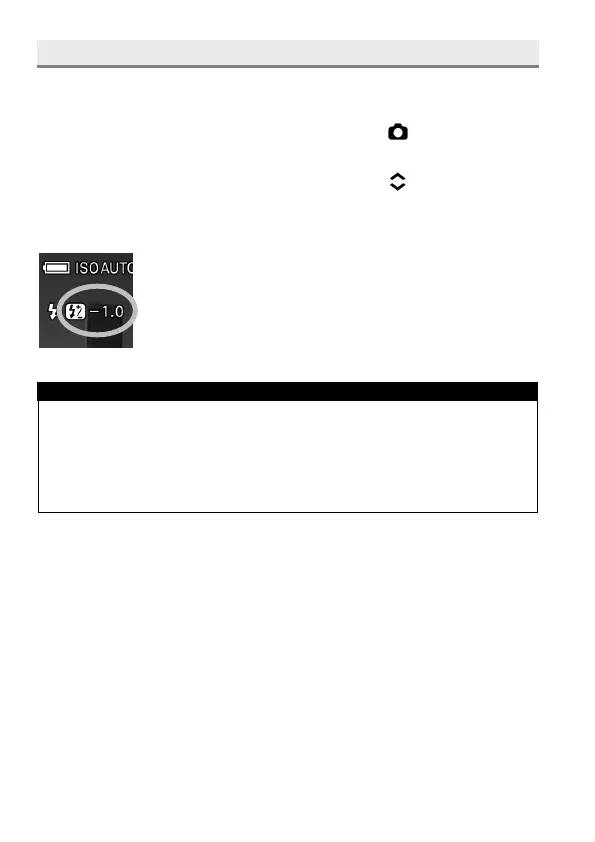
When the Flash Exposure Compensation is set, the icon
and compensation value will be displayed on the left of
the LCD monitor.
CAUTION!!
The flash exposure compensation can not be set if the flashgun is not
attached to the camera, or the flashgun is turned off.
The flash exposure compensation will not disable automatically. After
taking the picture, set the compensation value to ±0.0 by above
procedure.



 To Next Page