124
Electronic Level
An Electronic level that is useful in determining composition can be
displayed.
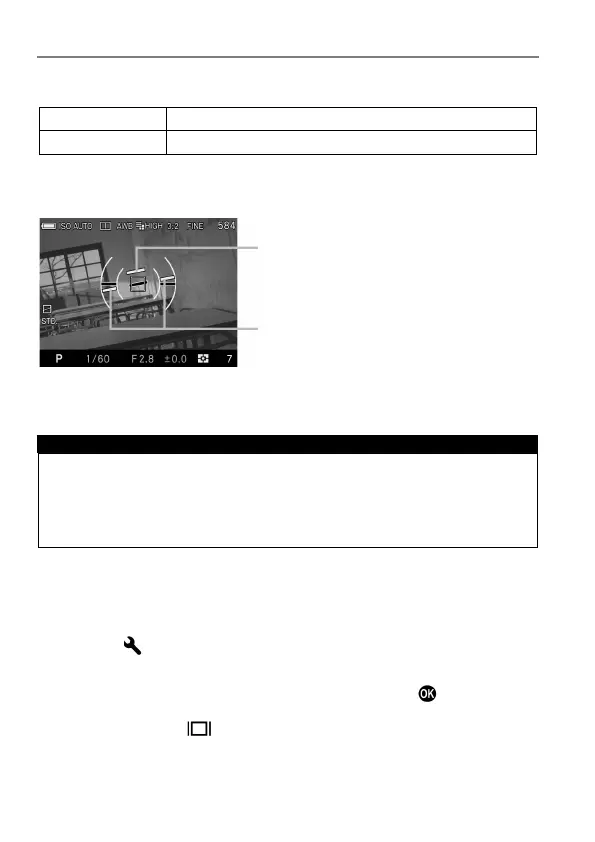
ELECTRONIC LEVEL
Camera’s horizontal direction and vertical direction are displayed.
Horizontal direction guide
When the camera is horizontal or vertical, the guide becomes green.
When shooting vertically, the display changes to one for vertical shooting.
WARNING !!
Electronic level usually has error about ±1°. The more it is tilted, the
larger the error becomes, and in such case it does not work properly.
When the camera is facing down, the Electronic level does not work
properly.
ADJUSTMENT OF ELECTRONIC LEVEL
Electronic level’s tilt can be adjusted.
1
Select from [ Camera Settings] ( P.2 7 ) → [Adjust Electronic Level].
2
Place the camera on a horizontal surface, and press the button.
To reset, press the button. The adjustment value returns to factory
default.



 To Next Page