83
TONE CONTROL
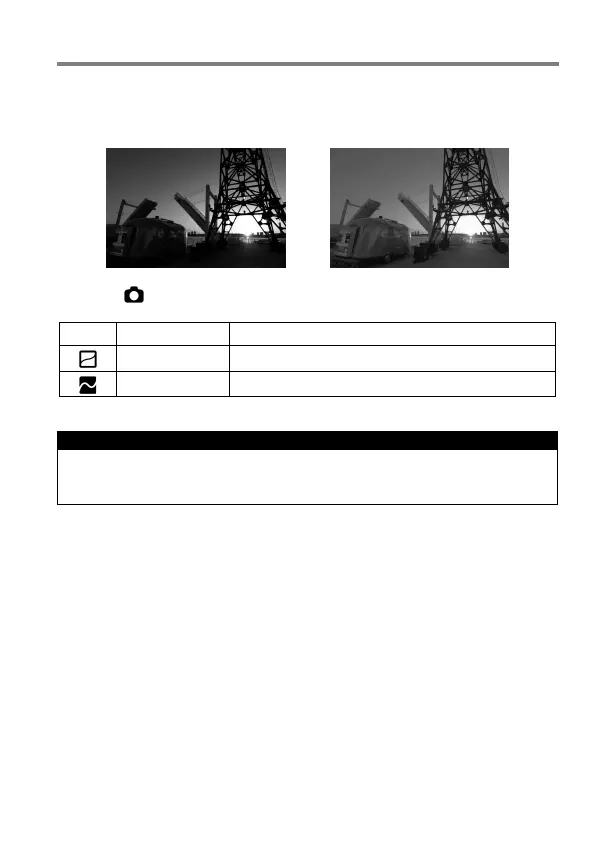
By automatically optimizing the tone curve according to the scene, even for
the scene with high contrast, the image can have a natural tone.
Tone Control : Off Tone Control : Strong
Set from [ Capture Settings] (P.27) → [Tone Control]
Set Tone Control function OFF.
Mild effect can be achieved.
Strong effect can be achieved.
CAUTION !!
Depending on the scene, noise may be visible due to the correction
effect. In such case, set it to [Off].



 To Next Page