104
WARNING !!
When [Select Files], [ Lock] or [ Unlock] is done, it may take time
to complete this depending on the number of files in the card.
TIP
To unlock multiple files, select the [Unlock All] or [ Unlock] in the
Lock Menu.
MARKING IMAGES
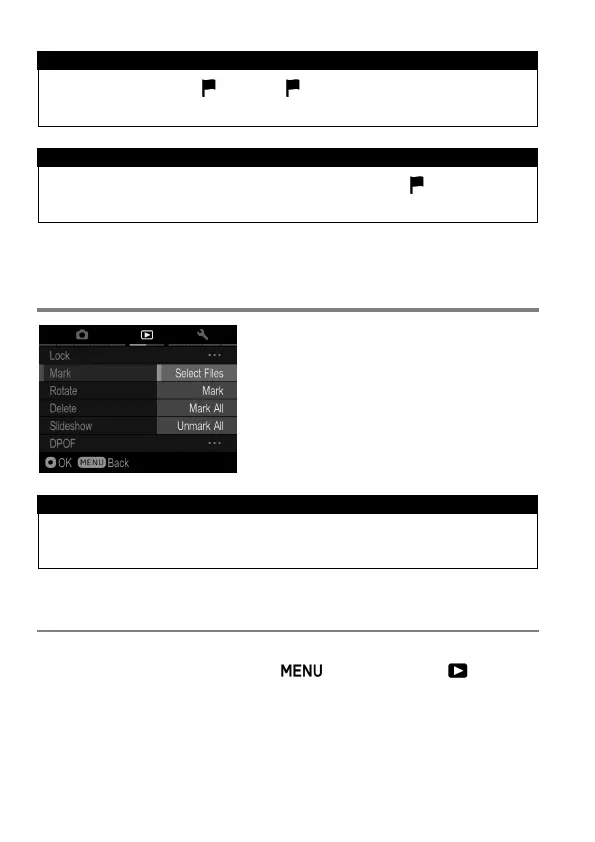
Images can be marked for various
reasons, such as to identify favorites, to
select images for a Slideshow, or to select
images to be deleted with the “All marked”
menu item in the Delete Men u ( P. 100).
TIP
Images marked on the camera will retain their marked status when
viewed in SIGMA Photo Pro.
TO MARK A SINGLE IMAGE
1
Display images to mark, press the button and open [ Playback
Menu] (P.27) to select [Mark].
2
Select [Mark] from sub menu.



 To Next Page