129
RESET TO THE DEFAULTS
It is possible to reset the settings to the defaults.
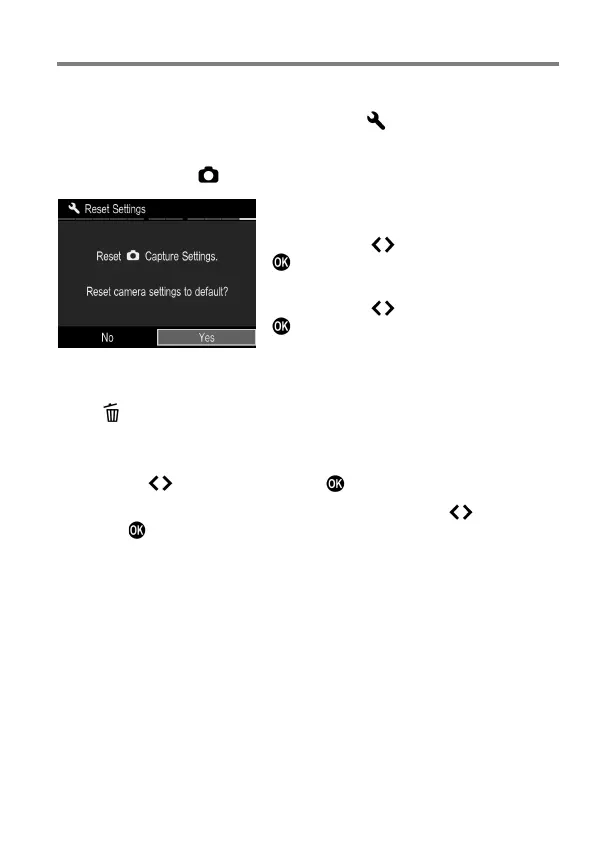
It is possible to reset settings to defaults from [ Camera Settings] (P.27)
→ [Reset Settings].
Reset all settings of [ Capture Settings] (Blue tab) to the defaults.
In [Reset Settings] menu, Select [Yes] by
pressing the button and press the
button.
To cancel the reset settings, select [No] by
pressing the button and press the
button.
If you want to reset all the camera settings, including other settings, you will
have to reset the camera to factory defaults. In [Reset Settings] menu,
press to show the message [Reset all camera settings to factory
defaults?].
To reset all camera settings to factory defaults, please select [Yes] by
pressing the buttons and press the button.
To cancel the reset settings, select [No] by pressing the buttons and
press the button.



 To Next Page