67
SETTING
THE
SENSITIVITY
(ISO
EQUIVALENCY)
The photosensitivity of digital cameras is
described in terms of “ISO equivalent” like
silver-halide film cameras.
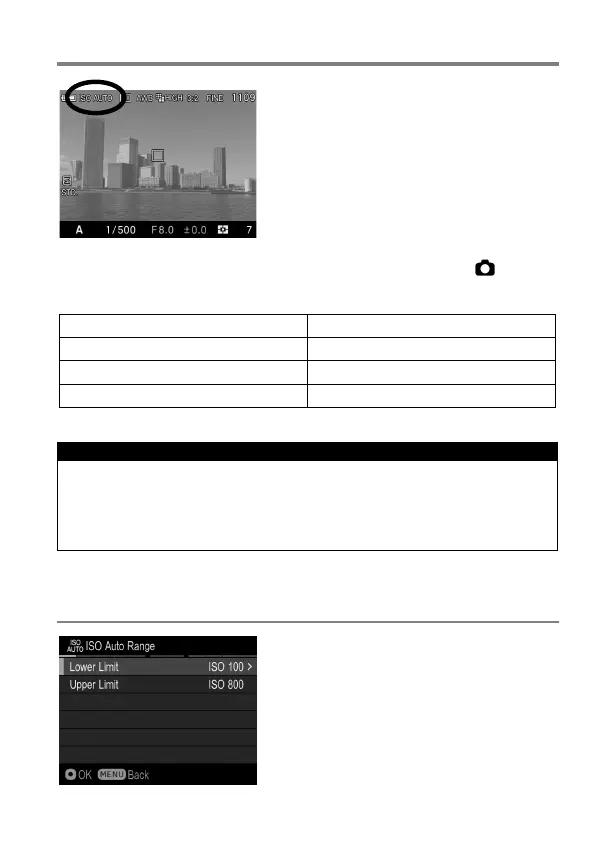
The ISO Sensitivity can be set in Quick Set Menu (P.34) or [ Capture
Settings] (P.27) → [ISO Sensitivity].
ISO Auto (ISO AUTO) (Default)
CAUTION !!
When Exposure Mode is set to M mode, it is not possible to select [ISO
Auto]. When AUTO is selected in S, A, P mode and then changed to M
mode, images are taken at the lower limit set in the next section [ISO
AUTO RANGE].
ISO AUTO RANGE
It is possible to set the Lower limit and
Upper limit of the ISO Sensitivity in ISO
Auto mode.



 To Next Page