110
RECORDING SOUND MEMO
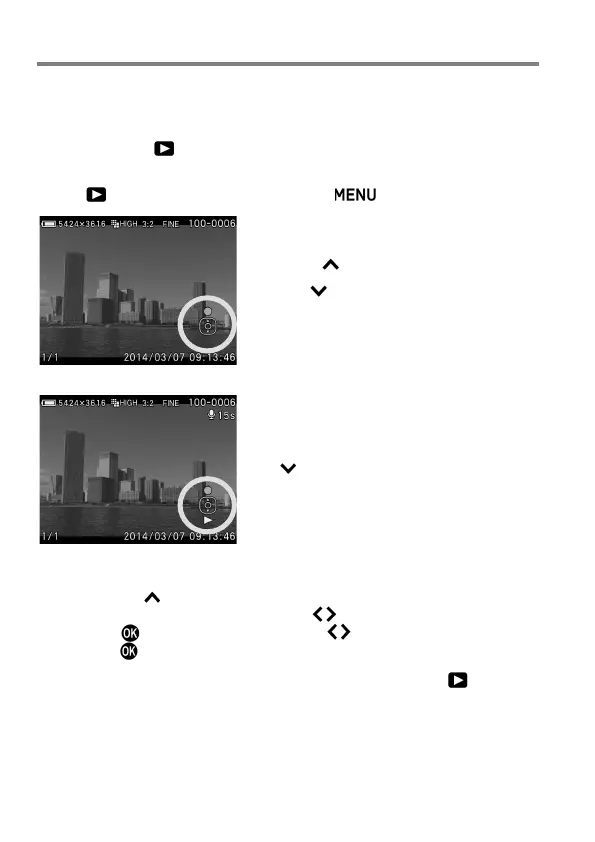
It is possible to record a sound memo for 30 seconds to a stored image,
making it convenient to record the shooting situation by voice.
1
Set to [On] from [ Playback Menu] (P.27) → [Sound Memo].
2
Close [ Playback Menu] by pressing the button.
3
Press the button to start the recording.
If the button is pressed during the
recording,
the
recording
will
be
terminated.
Recording will be terminated automatically
when 30 seconds has passed.
To play the recording sound memo, press
the button. (See P.111 for instruction of
Viewing Images With Sound.)
Confirmation message for overwriting the sound memo is displayed by
pressing the button when the image already has some sound. To
overwrite the sound memo, use the buttons to select [Yes], and
press the button. To cancel, use the buttons to select [No], and
press the button.
To turn off the sound memo function, set it to [Off] from [ Playback
Menu] (P.27) → [Sound Memo].



 To Next Page