86
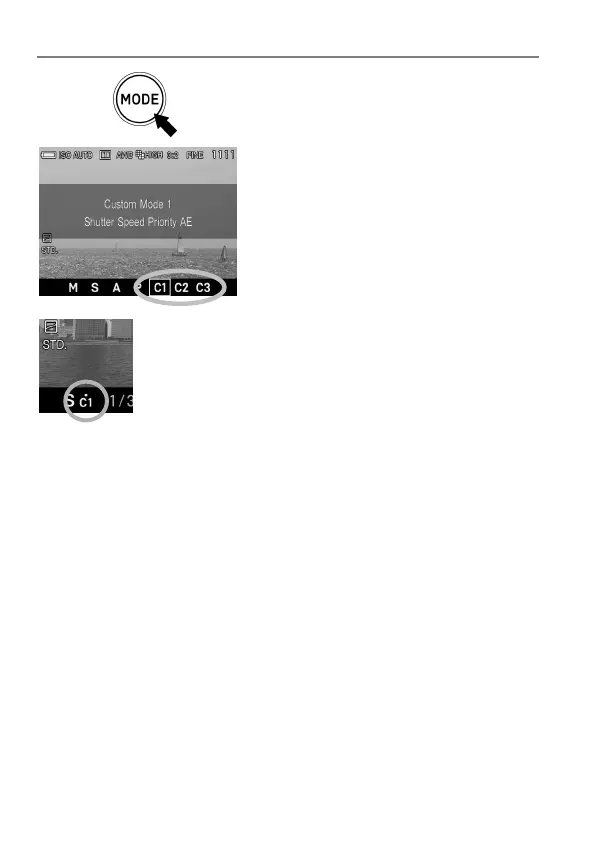
LOAD THE CUSTOM MODE SETTING
Press the Mode button and set to C1, C2
or C3.
In custom mode, it is possible to change the above
settings temporarily (except Exposure Mode).
If the setting is changed, ● mark will appear in Function
Display.
Return to original registered setting by doing the following.
Turn the camera off (this includes the camera turning off automatically
with the Auto Power Off function)
Press the Mode button and set to another position.



 To Next Page