109
VIEWING NINE IMAGES AT A TIME
(
CONTACT SHEET VIEW
)
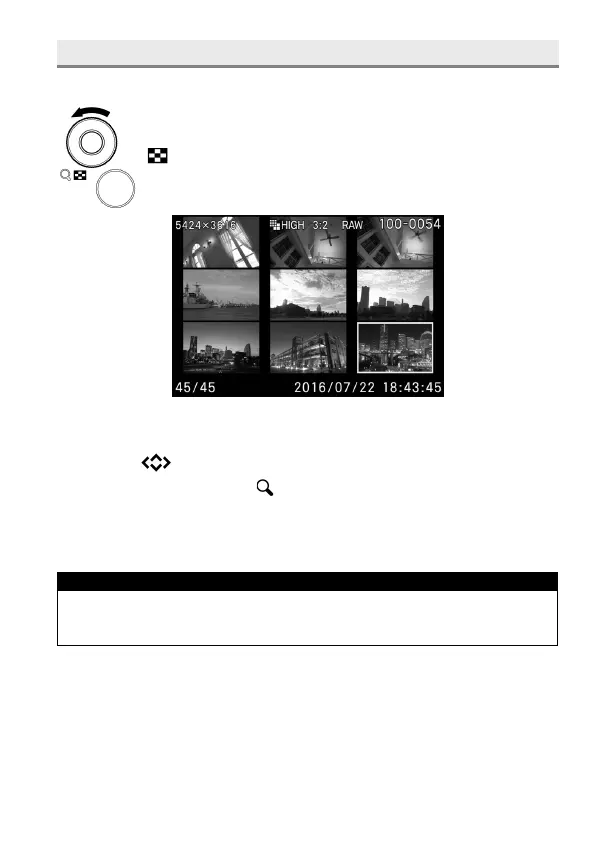
Images can be viewed in a "contact sheet" of nine thumbnail images.
While reviewing images, rotate the Front Dial to the
position.
WHILE IN CONTACT SHEET VIEW:
Press the buttons to change the thumbnail image selection.
Rotate the Front Dial to the position, the selected thumbnail image will
be reviewed.
Rotate the Rear Dial to see the previous or next pages.
TIP
The first and last page are linked. The first page is displayed after the
last page.



 To Next Page