45
TIP
If the camera is turned off while the Busy Lamp is on or flashing, the
camera will remain on until it has finished accessing the card.
FORMATTING THE CARD
New cards must be formatted before use. In addition, cards with corrupt or
incompatible file systems may need to be formatted before use.
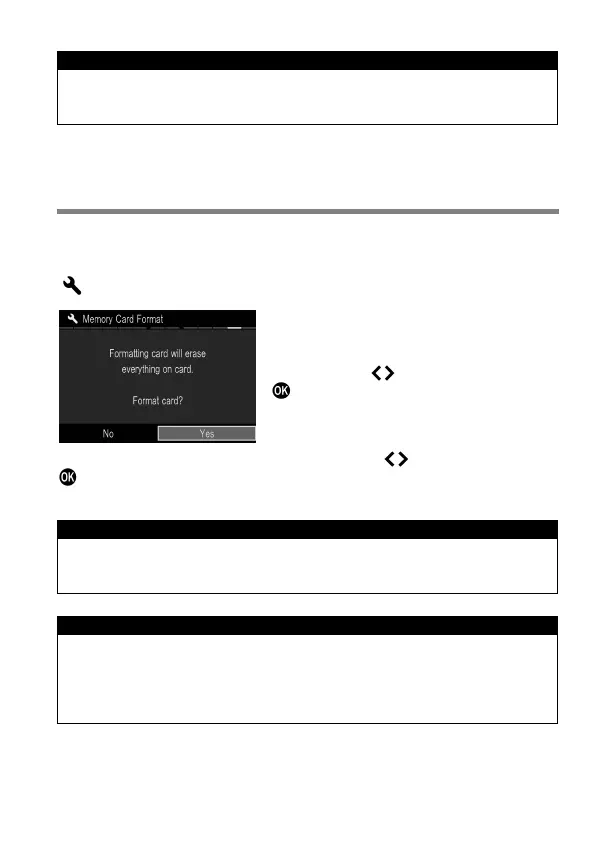
[ Camera Settings] (P. 30) → Select [Format] and format the card.
In [Format] menu, Select [Yes] by
pressing the button and press the
button.
To cancel formatting, select [No] by using the button and press the
button.
CAUTION !!
Formatting erases all card contents, including locked sd Quattro files
and all non-sd Quattro files.
TIP
Cards formatted in other cameras or devices may not operate correctly
in the sd Quattro camera or may have reduced capacity. To store the
maximum number of sd Quattro files, format the card in the sd Quattro
camera before use.



 To Next Page