145
CONNECTING TO A COMPUTER
By connecting the camera to a PC using the USB cable, transferring
images, remote imaging and setting changes from the computer are
possible.
Before connecting to the computer, change [USB Mode] of the camera
according to the purposes.
Mass Storage
(Default)
When transferring images from the card in the
camera, select [Mass Storage]
. When the camera
is connected to the computer, the camera is
recognized as a removal disc (device).
Camera Control
When operating the camera from SIGMA Capture
Pro installed in the computer, select [Camera
1
Set to either mode from [ Camera
Settings] ( P. 30) → [USB Mode] and turn
off the camera.
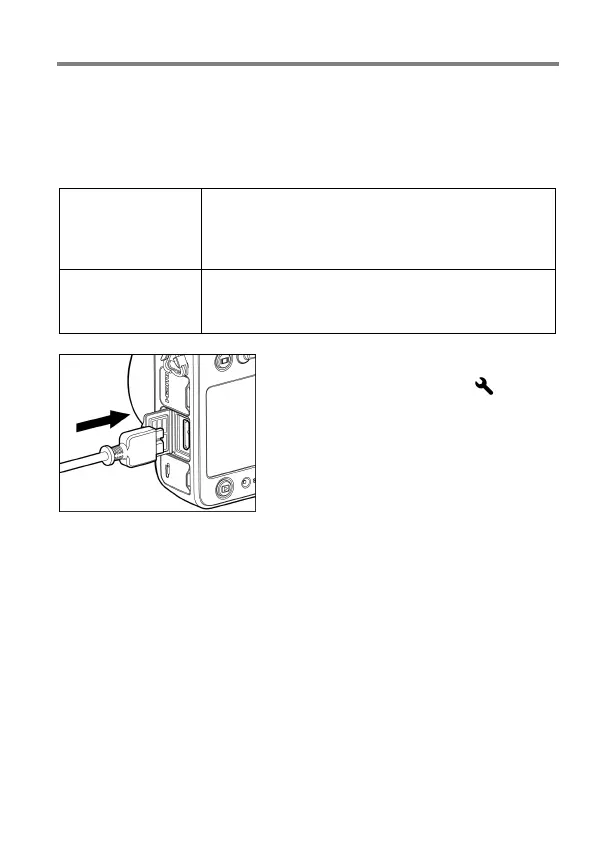
2
Connect your camera to a computer with
the provided USB cable, and turn on the
power supply switch of the camera.
If used for a long time, it is recommended to use the AC adapter (sold
separately).



 To Next Page