14
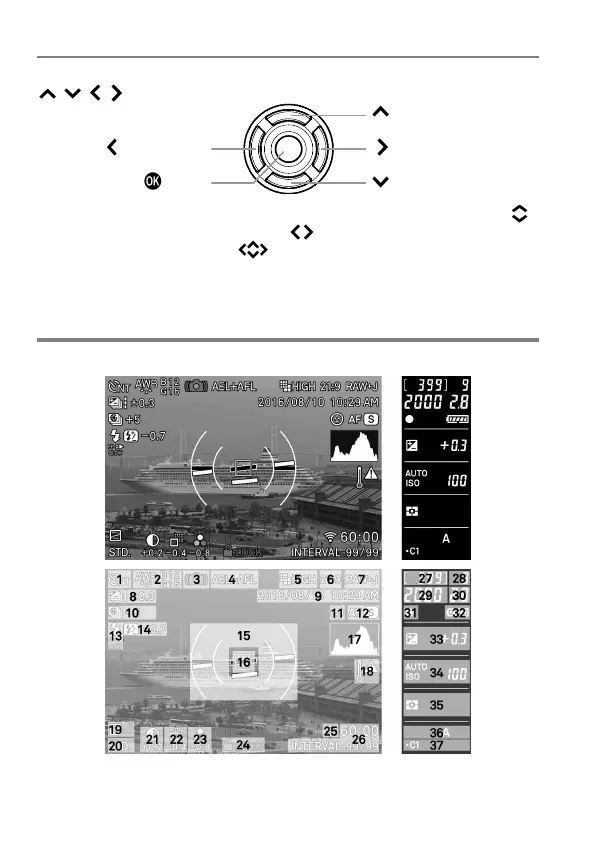
SELECTOR (35)
In this instruction manual, each position of the selector is shown as
/ / / .
(Right button)
(Down button)
The buttons are used as follows: To operate Up and Down buttons:
.
To operate Left and Right buttons: . To operate both Up and Down,
and Left and Right buttons: .
MONITOR DISPLAY DURING SHOOTING
MAIN-MONITOR
/
SUB-MONITOR



 To Next Page