41
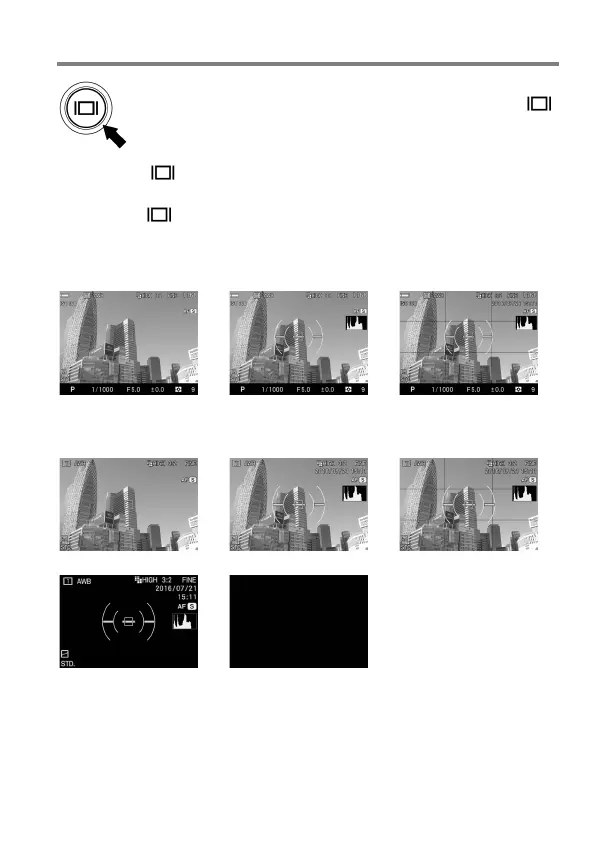
CHANGING THE DISPLAY MODE
LCD Monitor Display can be changed by pressing the
button.
When the button is pressed while the finder is displayed, the
display mode in the finder changes.
When the button is pressed while the main monitor is displayed,
the display mode in the main monitor changes.
VIEWFINDER (OPERATION) (Default)
→
→
MAIN-MONITOR (OPERATION) (Default)
→
→
→
→
Refer P.14 [MONITOR DISPLAY DURING SHOOTING] for the meaning
of each icon.



 To Next Page