143
WARNING !!
When the images are shot with the camera held in an inclined angle,
setting upward or downward, the automatic locking function may not
work properly.
RESET TO THE DEFAULTS
It is possible to reset the settings to the defaults.
It is possible to reset settings to defaults from [ Camera Settings] (P. 30)
→ [Reset Settings].
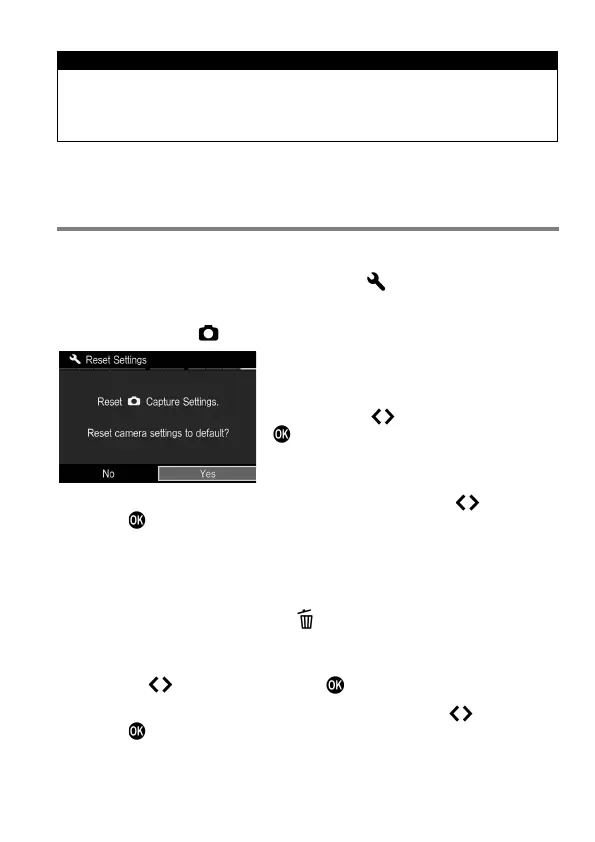
Reset all settings of [ Capture Settings] (Blue tab) to the defaults.
In [Reset Settings] menu, Select [Yes] by
pressing the button and press the
button.
To cancel the reset settings, select [No] by pressing the button and
press the button.
If you want to reset all the camera settings, including other settings, you
will have to reset the camera to factory defaults.
In [Reset Settings] menu, press to show the message [Reset all
camera settings to factory defaults?].
To reset all camera settings to factory defaults, please select [Yes] by
pressing the buttons and press the button.
To cancel the reset settings, select [No] by pressing the buttons and
press the button.



 To Next Page