47
QUICK PREVIEW
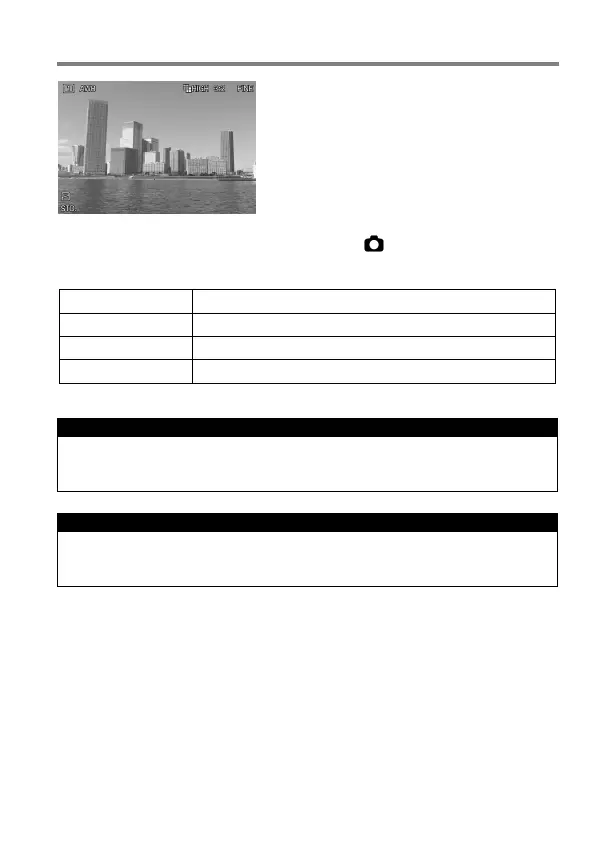
The sd Quattro camera can be set to
automatically display a preview of each
image immediately after it is taken. This is
useful for instantly checking exposure and
framing.
The Quick Preview Duration can be set from [ Capture Settings] (P. 30)
→ [Quick Preview].
No preview image is displayed.
Preview image is displayed for 2 seconds.
Preview image is displayed for 5 seconds.
Preview image is displayed for 10 seconds.
TIP
To manually turn off the Quick Preview image, press the shutter button
half-way.
CAUTION !!
It will not be possible to zoom in to the preview image, or change to
another image while the Quick Preview is up.



 To Next Page