78
TIP
When RAW+JPEG is selected, the Image Quality of JPEG will be FINE.
When RAW+JPEG is selected, the selected Image Size will be applied
to both the RAW and JPEG files.
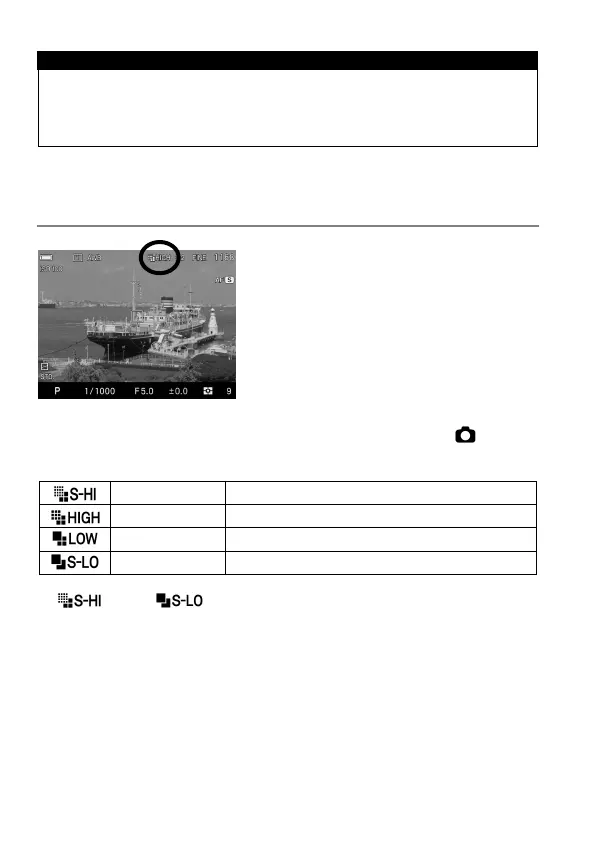
IMAGE SIZE SETTING
The number of record pixels (Image Size)
can be set.
Image Size Setting can be set in Quick Set Menu (P.38) or [ Capture
Settings] (P. 30) → [Image Size].
39.3M 7,680×5,120 (When it is set as 3:2)
19.6M 5,424×3,616 (When it is set as 3:2)
4.9M 2,704×1,808 (When it is set as 3:2)
2.5M 1,920×1,280 (When it is set as 3:2)
[
] and [
] can be selected only when the image quality
setting is set as JPEG (FINE, NORMAL, and BASIC).



 To Next Page