53
M MANUAL EXPOSURE
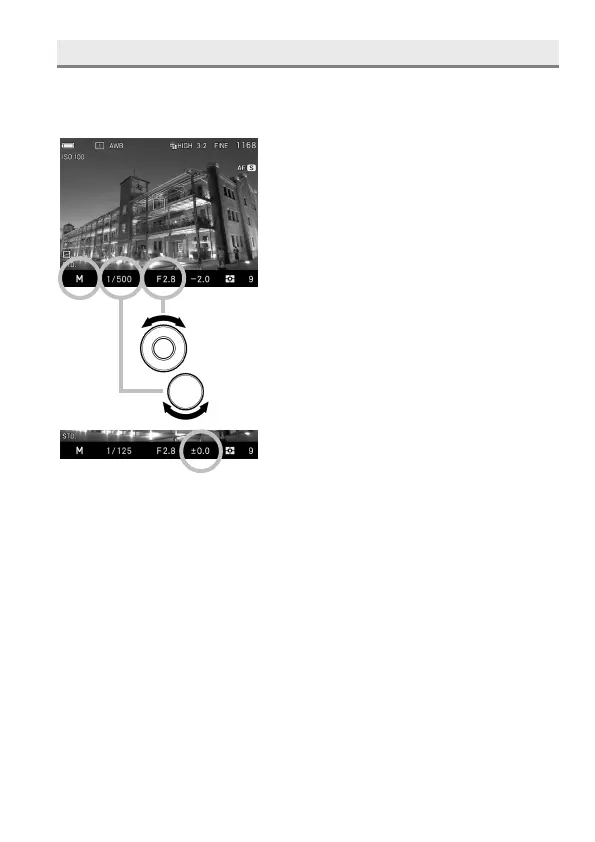
Set both the shutter speed and aperture value according to the indication of
the exposure meter. You can change the exposure, as you desire.
1
Set the Exposure Mode to the M position.
(In the Viewfinder, the shutter speed is
illuminated in orange. The aperture value
indicator is illuminated in green.)
2
Set the desired aperture value by rotating
the Front Dial.
3
Set the shutter speed by rotating the Rear
Dial to adjust the value of the exposure
meter to 0.0.
The exposure meter can display an
exposure error of up to ± 5 stops from
the correct exposure in 1/ 3 steps. If the
exposure error is more than three stops,
the exposure meter will blink.
4
Press the shutter button “half-way” to verify the focus and take the picture.



 To Next Page