42
In the View Finder Mode, only Icons will be displayed.
Information to display on [Custom] can be customized (Refer P.133).
The size of the icon displayed during operation can be changed (Refer
P. 133).
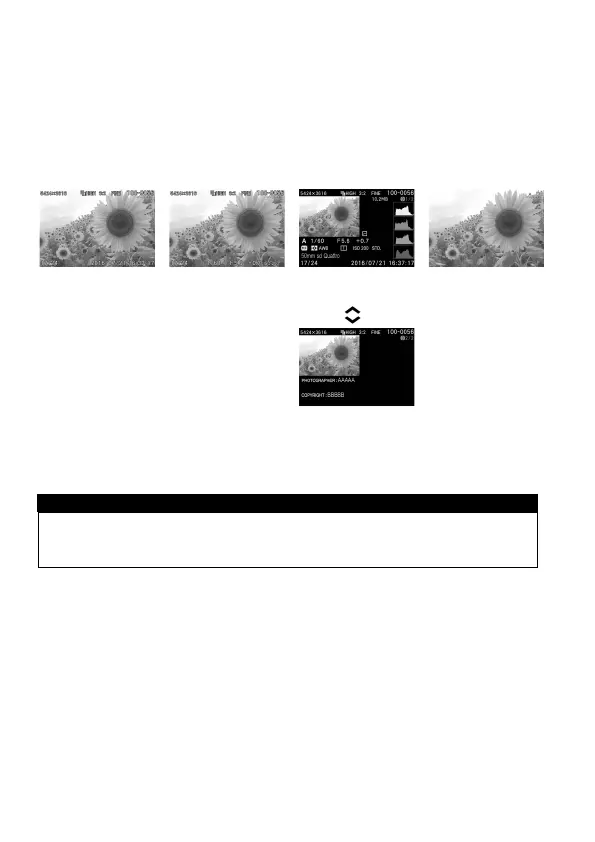
(REVIEWING)
→
→
→
Display Icons
(Display date and
time) (P.
107)
Display Icons
(Display Image
Info) (P.
107)
1/2 Display Image
Info Screen (P.
110)
2/2 Copyright
Information screen
( P.111)
WARNING!!
While in the reviewing mode, the display modes in the finder and the
main monitor must be set the same.



 To Next Page