18
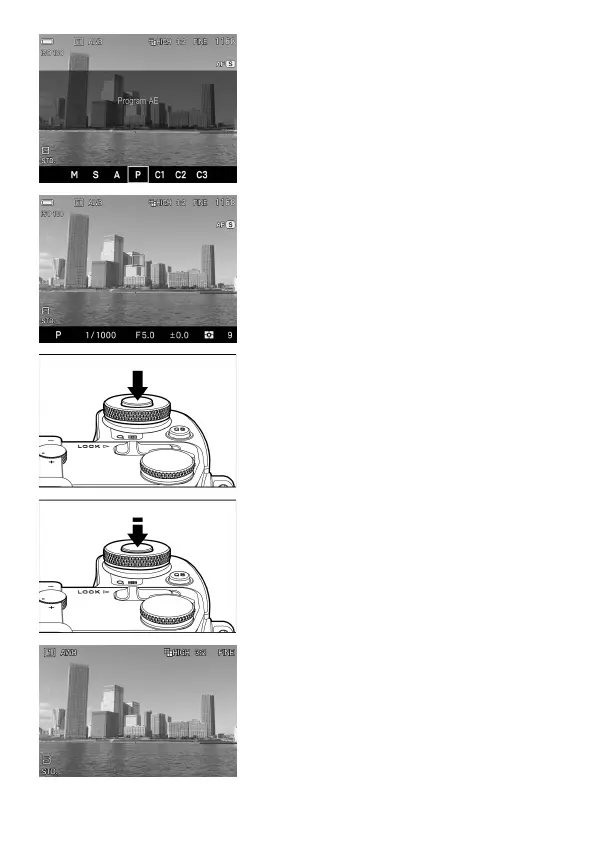
Select the exposure mode (P.49)
Press the ‘Mode’ button in P (Program AE)
position
Focus (P.56)
Compose your image with the color LCD
monitor and press the shutter button
“half-way” to activate exposure metering
and autofocus.
Take a picture
Fully press the shutter button to take the
picture.
Review the image. (P.47)
The image is displayed for 2 seconds on
the LCD monitor.



 To Next Page