74
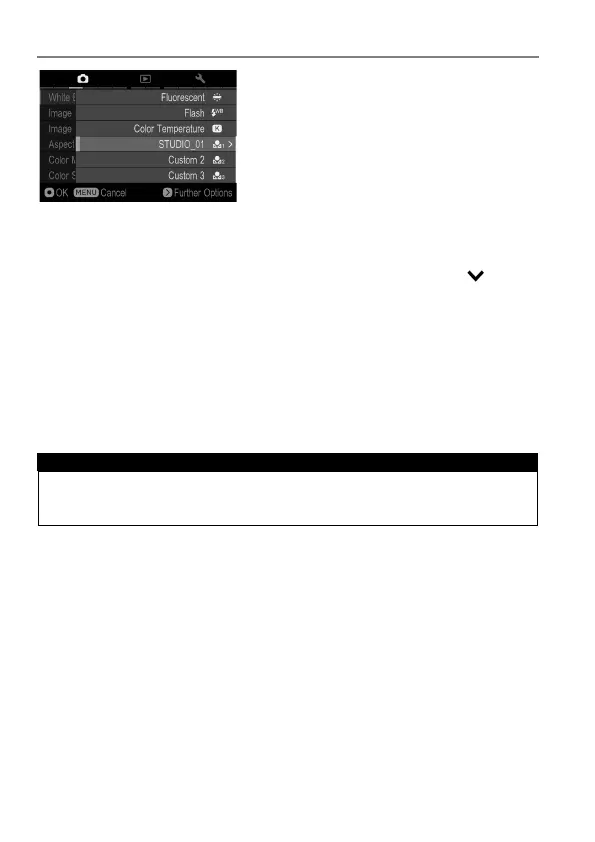
ADDING A NOTE TO CUSTOM WHITE BALANCE
A note can be added to a Custom White
Balance. The note is reflected in the
“White Balance” sub menu and is useful
when needing to use previously registered
custom white balance.
It is possible to enter up to 48 single-byte characters and symbols.
1
On the Custom White Balance Capture screen, pressing the button
displays the Note Input screen.
2
Input the texts. For the procedure to input texts, please refer to [ENTERING
INFORMATION] of [ATTACH COPYRIGHT INFORMATION] (P.132).
When deleting a note attached to a Custom White Balance, delete all the
text from the Note input screen.
CAUTION !!
The note attached to the Custom White Balance is not recorded in the
image information data.



 To Next Page