5 KEY COPYING / CUTTING
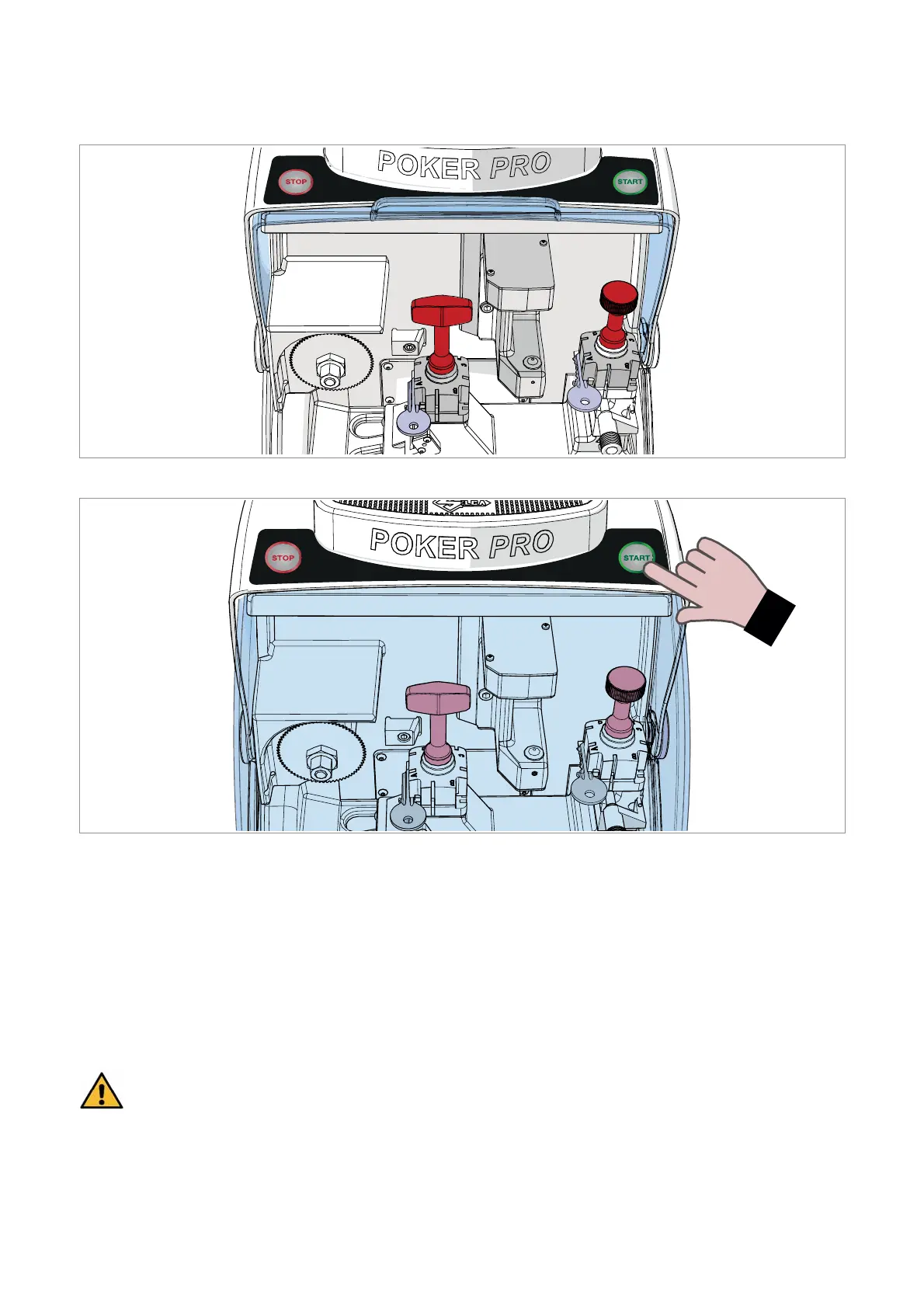
Fig. 35
Fig. 36
1) Raise the safety shield (C).
2) Prepare the clamps on the most suitable side for the key to be cut (Ch.4.1).
3) Insert the ORIGINAL KEY into the clamp on the READER SIDE.
4) Insert the KEY BLANK to be cut into the clamp on the CUTTER SIDE.
5) Take the reader-side gauge to the original position (Fig. 28, page 15).
6) Lower the safety shield (C).
7) Press START to start the cutting operation, indicated by a BLUE LIGHT (Fig. 37 - BLUE light).
8) The end of the cutting operation is indicated by a GREEN LIGHT (Fig. 38 - GREEN light).
ATTENTION: with heavy processes (worn cutter, particular key material or thicknesses)
carriage advance will be slowed down by the machine software.
Operating manual POKER PRO
Copyright Silca 2019
18



 To Next Page