–
User manual
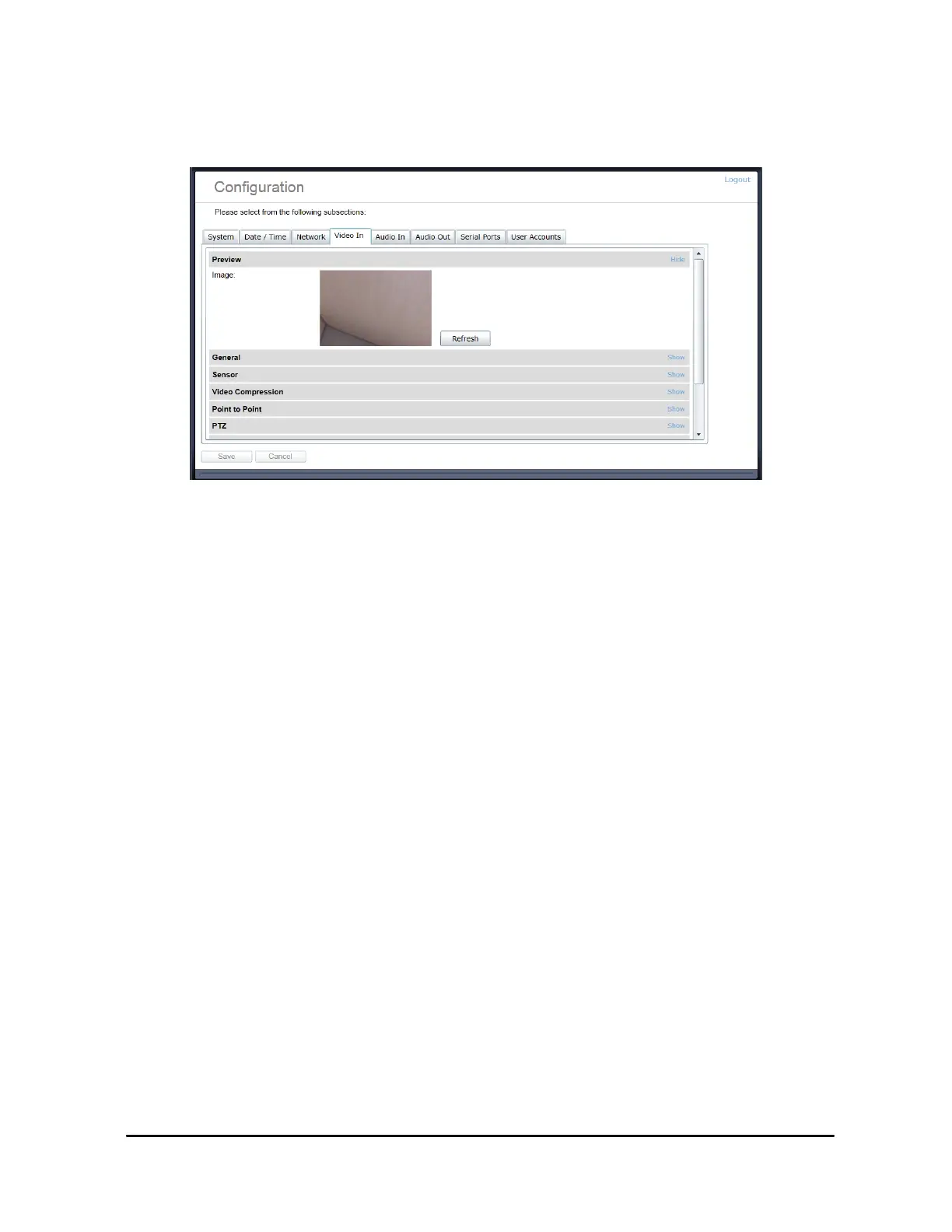
4.2.6 Configuration / Video In
•
Preview
–
This section allows you to view a thumbnail preview image of the camera‟s
video input. This feature requires that the MJPEG encoder be enabled on the camera,
otherwise a placeholder image will be shown indicating “No Video Input”. To enable
MJPEG video, see sections General and Video Compression below.
•
General
–
This section allows you to configure basic settings of the encoder module
relating to management of video inputs.
o
Enable video input
–
This checkbox allows you to enable / disable the input.
o
Select Input Type
–
Select HD if the PTZ is using the HD 1080P video
camera sensor. Select SD if using the Standard definition type module(s).
.
o
Select Sensor (HD mode)
–
Select the appropriate HD camera sensor model
connected. Select Custom if you would like to disable any
command / control communication between the encoder module and the camera
sensor; in this mode the encoder will act as a slave and only process incoming
video data. In custom mode, the camera sensor command and control will only
be accessible via a transparent TCP connection over which an external program
This settings in the Video In section are factory configured.
Modifying these may cause loss of functionality within the camera system !
It is advised NOT to make changes to this section.



 To Next Page