–
User manual
4.3 PTZ Preset Tours
4.3.1 Configuring Preset Tours
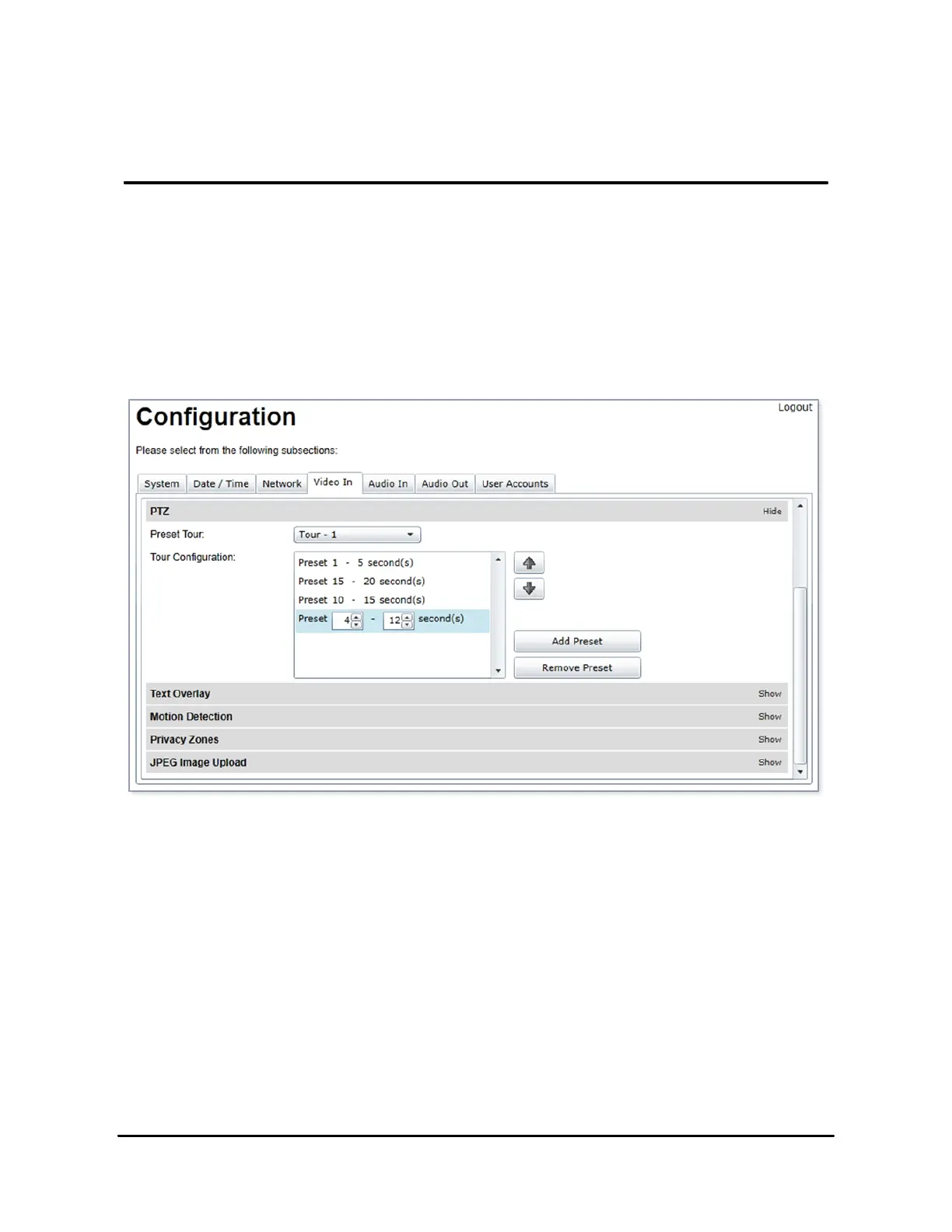
The PTZ preset tours can be set up from the PTZ sub-section of the video input configuration
page:
To configure a PTZ preset tour, add or remove presets as needed. The tour starts at the top of
the preset list and moves to the next preset in the list after the specified time. Once the tour has
reached the end of the preset list, it moves back to the top of the list. If the preset list is empty,
the tour simply stops without moving the camera.
A preset tour supports up to 32 presets.
To configure a preset in the tour, select the preset in the preset list by clicking on it. The preset
number and duration can then be changed. Preset numbers range from 0 to 31 and durations



 To Next Page