–
User manual
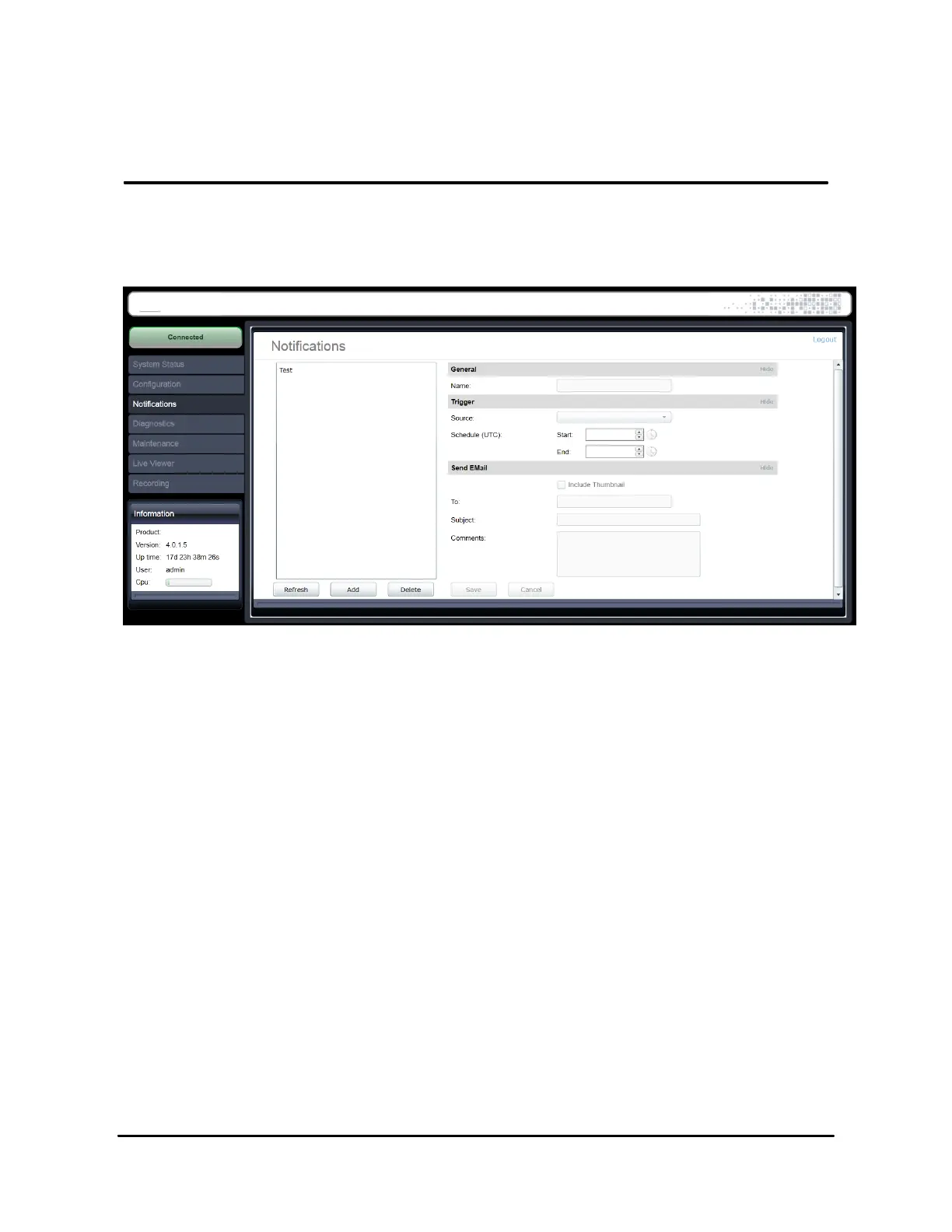
4.7 Email Notifications
The email notification feature allows you to create rules which will trigger email notifications
under certain conditions.
4.7.1 Creating a notification rule
To create a notification rule:
1. Click the Add button.
2. A pop-up window will appear requesting a name for the notification rule. Enter any
textual name and click OK..
3. The new notification rule will appear in the rule list in the left window.
To edit a notification rule:
1. Select the notification rule from the list.
2. Modify any rule parameters in the right window.
3. Click the Save button to save changes.



 To Next Page