–
User manual
When in Custom sensor mode, this section will expose serial port settings to allow you to
properly configure the serial port connection with your custom camera sensor.
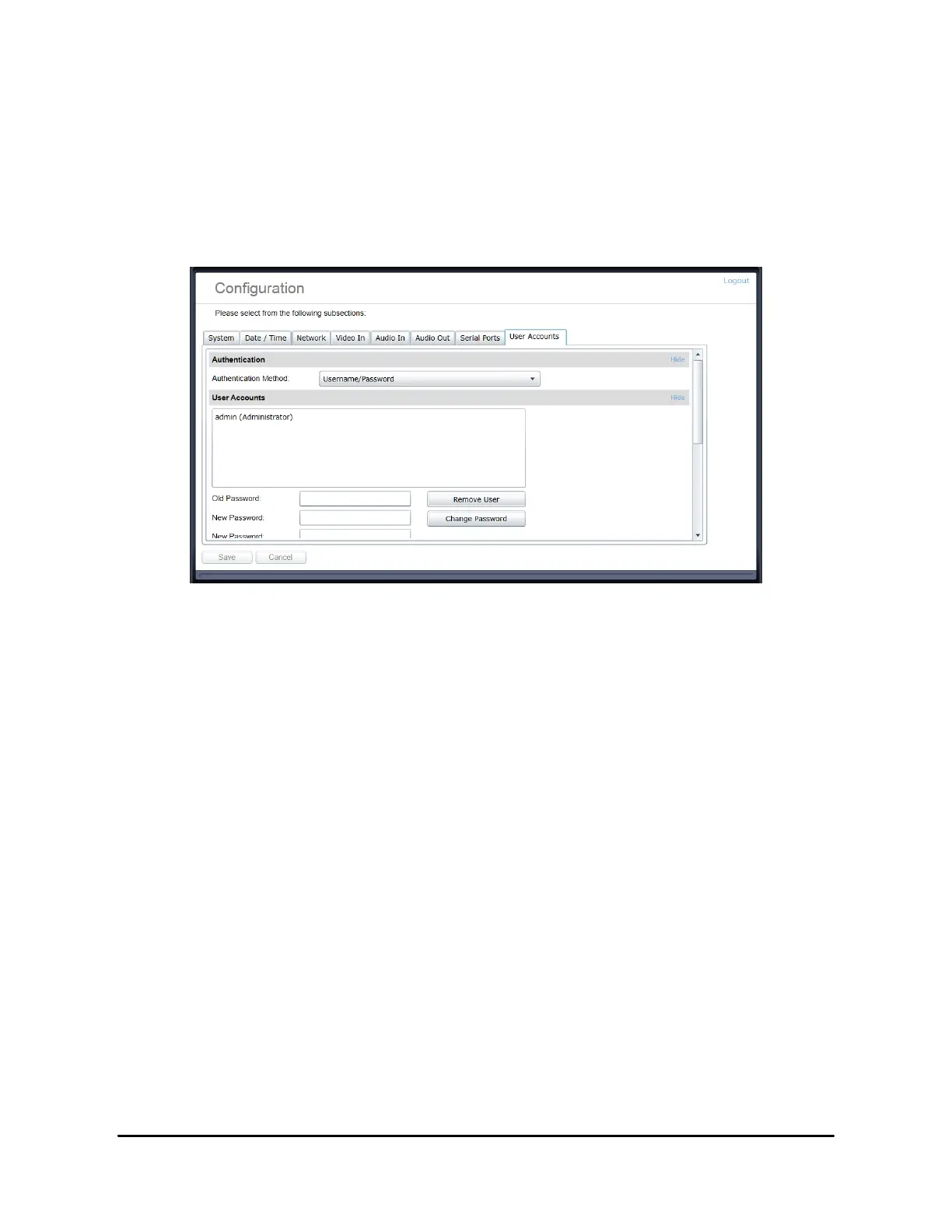
4.2.10 Configuration / User Accounts
Under the Configuration section, select the User Accounts tab to perform the following
operations:
•
Select the web interface‟s authentication method. A dual pass phrase is made available
for additional security.
•
Manage user accounts which have access to the device.
The user account roles are defined as follows:
•
The User role allows access to viewing only, no permission to change any set-tings
•
The Poweruser role allows access to live video and changing any setting aside from the
user accounts list. This role does not grant access to recorded video clips.
•
The Superuser role allows access to live and recorded clip viewing and changing any
setting aside from the user accounts list.
•
The Administrator role allows access to viewing and changing any setting in the
system.



 To Next Page