102
SD-300/SD-320AN User's Manual
7-1.
Congure Using the SD-300/SD-320AN Web Page
Since SD-300/SD-320AN has the HTTP protocol, advanced settings can be configured or
changed via a Web browser. Useful functions such as a remote restart or factory default
conguration for SD-300/SD-320AN are available.
Microsoft Internet Explorer 9 or higher
Microsoft Edge 20 or higher
Mozilla Firefox 3.0.0 or higher
Google Chrome Version 51 or higher
* To use a Web browser, the TCP/IP settings need to be enabled, and an IP address needs to be congured.
* We recommend the following Web browsers:
TIP
Access the SD-300/SD-320AN Web Page
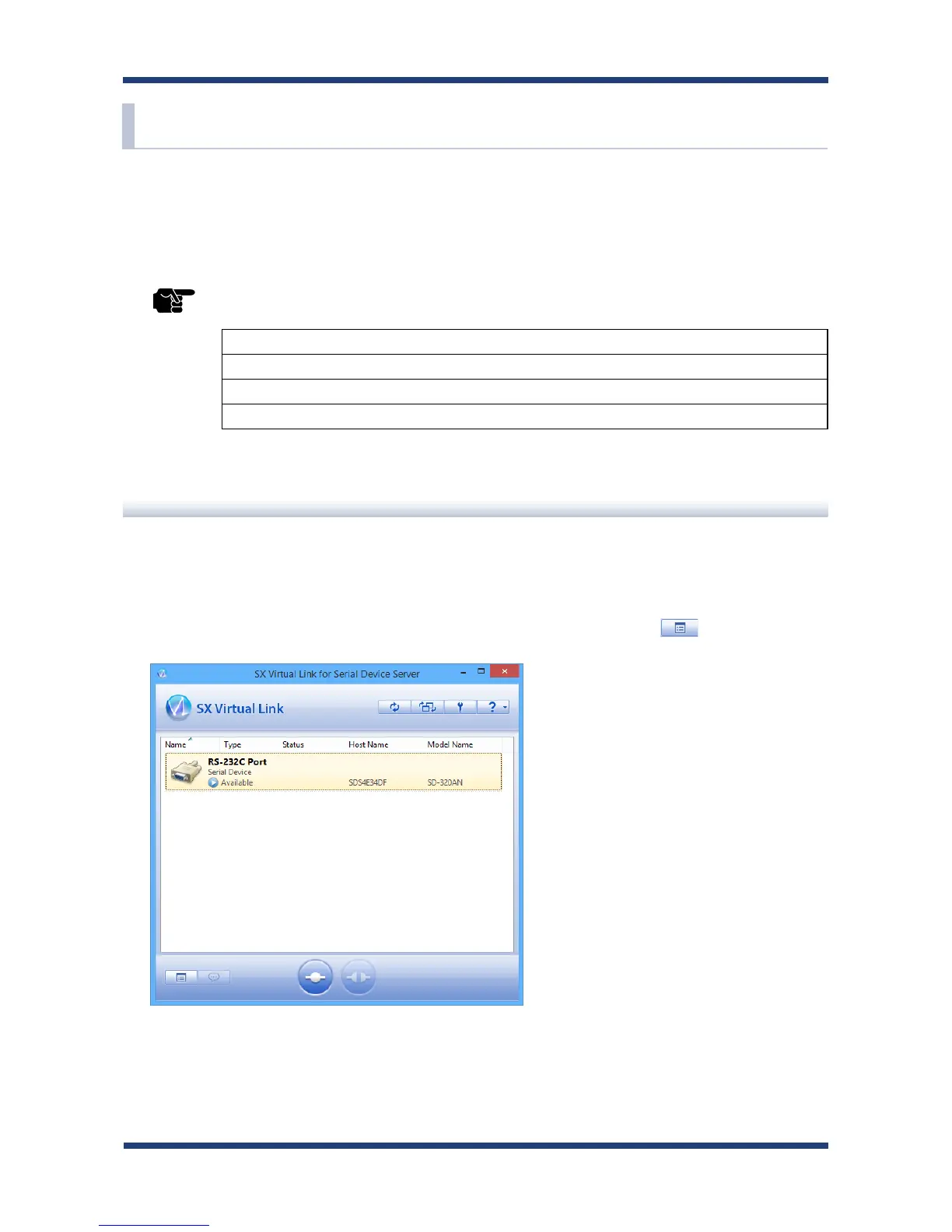
<<Use SX Virtual Link for Serial Device Server to display the Web page>>
In the SX Virtual Link for Serial Device Server's main window, select the serial device
connected to SD-300/SD-320AN and then click Properties button .
1.



 To Next Page