56
SD-300/SD-320AN User's Manual
1.
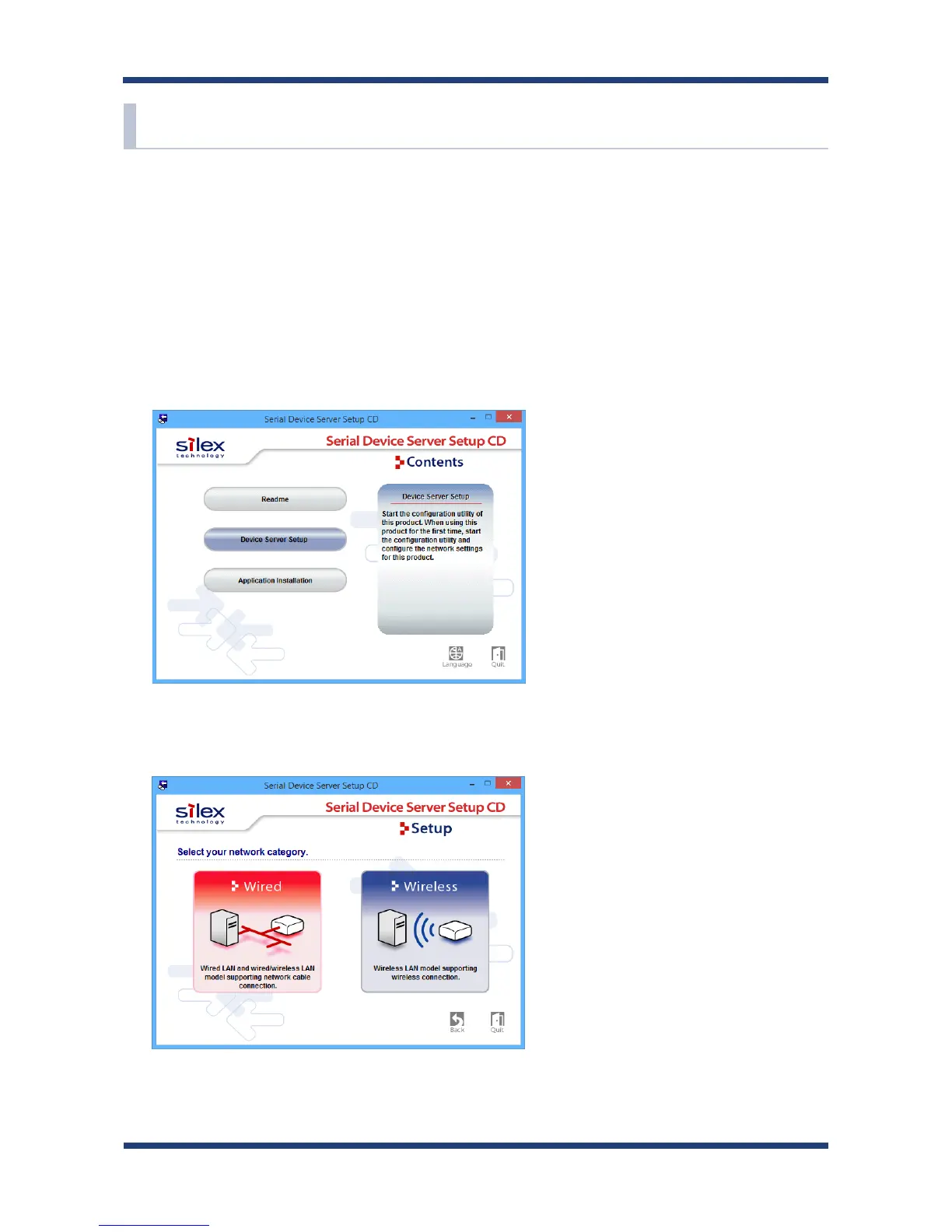
Extract the compressed le of Serial Device Server Setup that you have downloaded.
Double-click Sdsetup.exe in the extracted folder to start the Serial Device Server Setup
utility.
2.
The startup menu is displayed. Click Device Server Setup.
3.
Click Wired.
5-4. Congure Network Settings
This page explains how to congure SD-320AN from a PC using a network cable.



 To Next Page