6. How to Use
79
How to link to serial device is as follows:
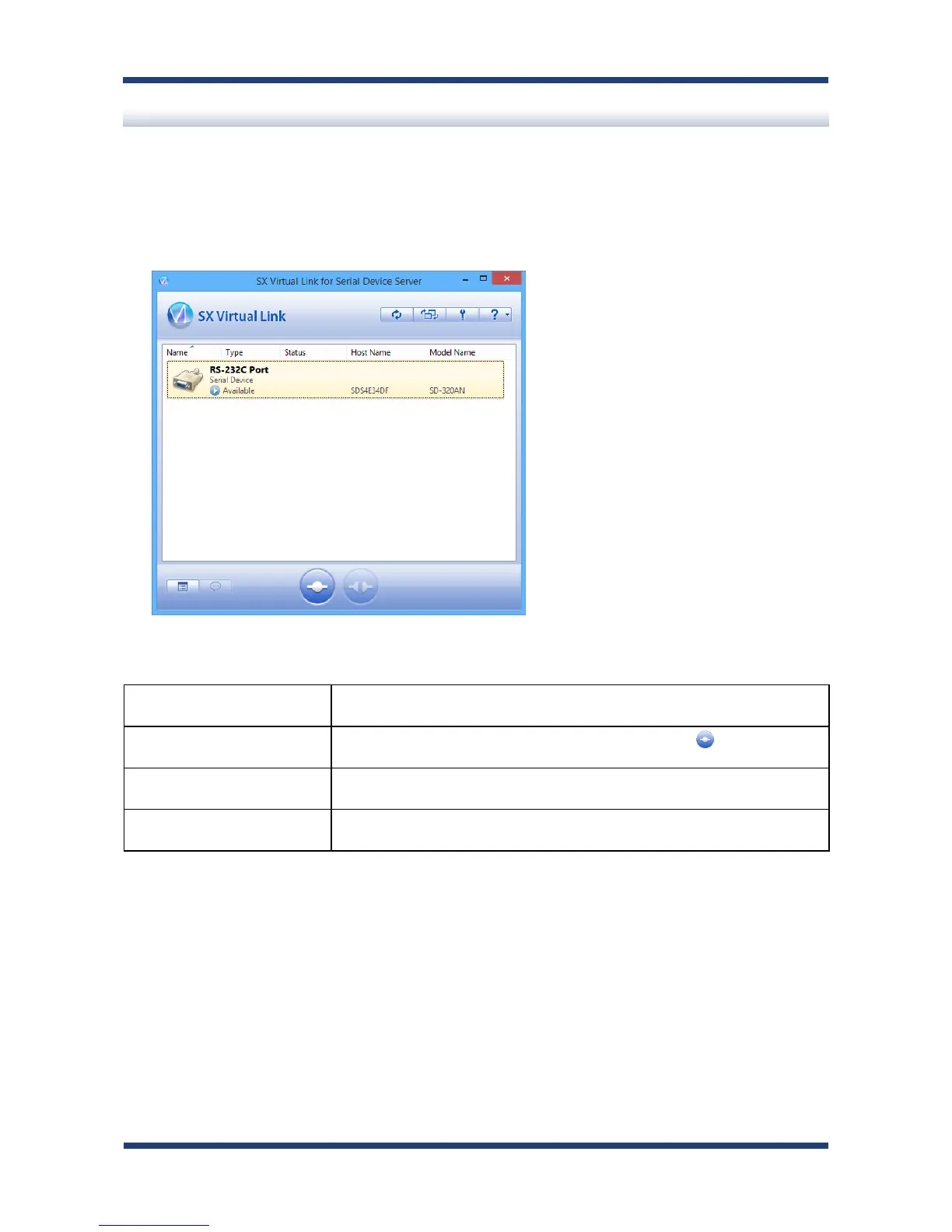
Select the serial device in SX Virtual Link for Serial Device Server's main window and
connect to it.
How to Link:
Double-click Double-click the serial device in SX Virtual Link for Serial Device Server's
main window.
Use a button Select the serial device and click the Connect button in SX Virtual
Link for Serial Device Server's main window.
Right-click Right-click on the serial device in SX Virtual Link for Serial Device Server's
main window and click Connect in the menu displayed.
Use a keyboard Select the serial device using the up/down arrow keys and press Alt + C
on your keyboard.
Link to a serial device
1.



 To Next Page