84
SD-300/SD-320AN User's Manual
6-2. Ecable Mode
What is Ecable Mode?
Ecable Mode is a feature that allows serial devices with no network interface to communicate
with each other using two SD-300/SD-320AN's.
Connect one SD-300/SD-320AN to the transmitter end and one to the receiver end, and
register the IP address of the receiver end as a destination address of the transmitter end.
When they are powered on, both SD-300/SD-320AN's will start communicating with each
other, establishing bidirectional communication between the serial devices.
(Link to the Registered Device)
Change the settings to use SD-300/SD-320AN in Ecable Mode.
Access the Web page of the SD-300/SD-320AN that you wish to use as the transmitter
end.
* For details on how to access the Web page, refer to Access the SD-300/SD-320AN Web Page.
Before You Begin
1.
Note
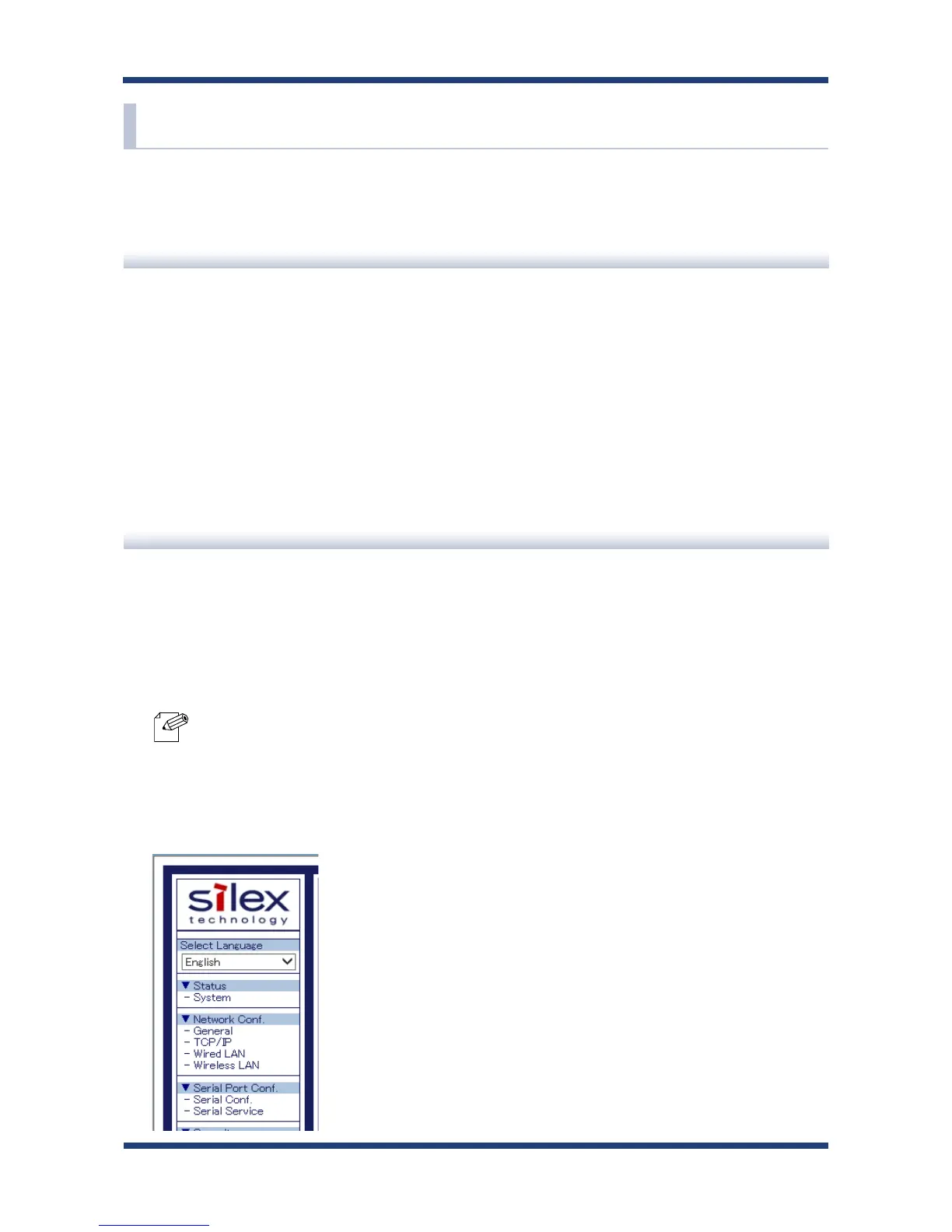
In the left pane of the Web page, click General.
2.



 To Next Page