5. How to Congure (SD-320AN)
67
PIN Code Method
1.
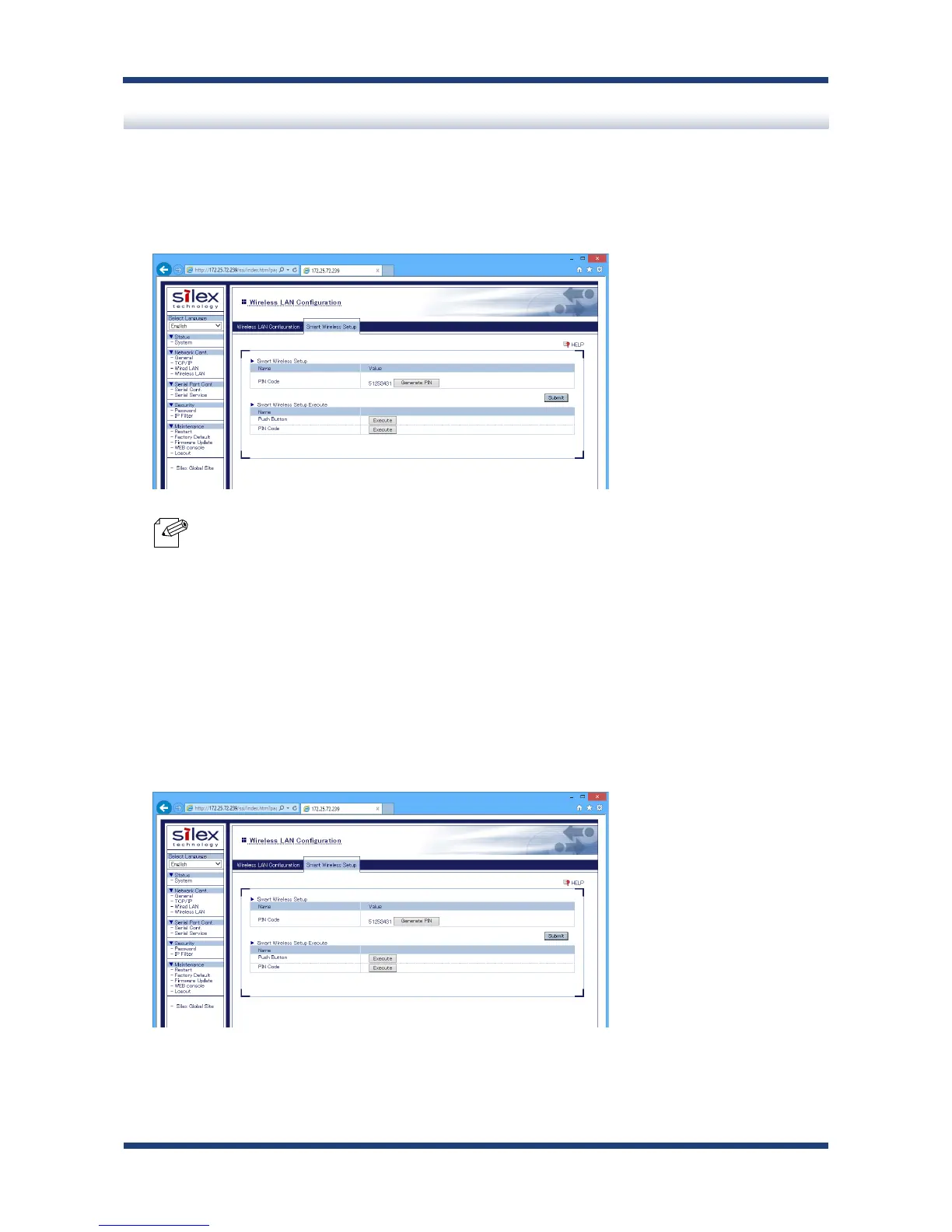
Check the PIN code on the Web page.
Keep displaying the Web page as it will be used again after you enter the PIN code on
the Access Point side.
* To change the PIN code, click Generate PIN. A new PIN code will be issued.
2.
Open the Web page of Access Point using the Web browser (Internet Explorer, Safari,
etc). Enter the PIN code and start the WPS on that page.
3.
Go back to the Smart Wireless Setup page of SD-320AN after the WPS is started on the
Access Point.
Click Execute at PIN Code.
Note



 To Next Page