42
SD-300/SD-320AN User's Manual
4-1. Necessary items for Setup
The following items are required in order to connect SD-300 to a network.
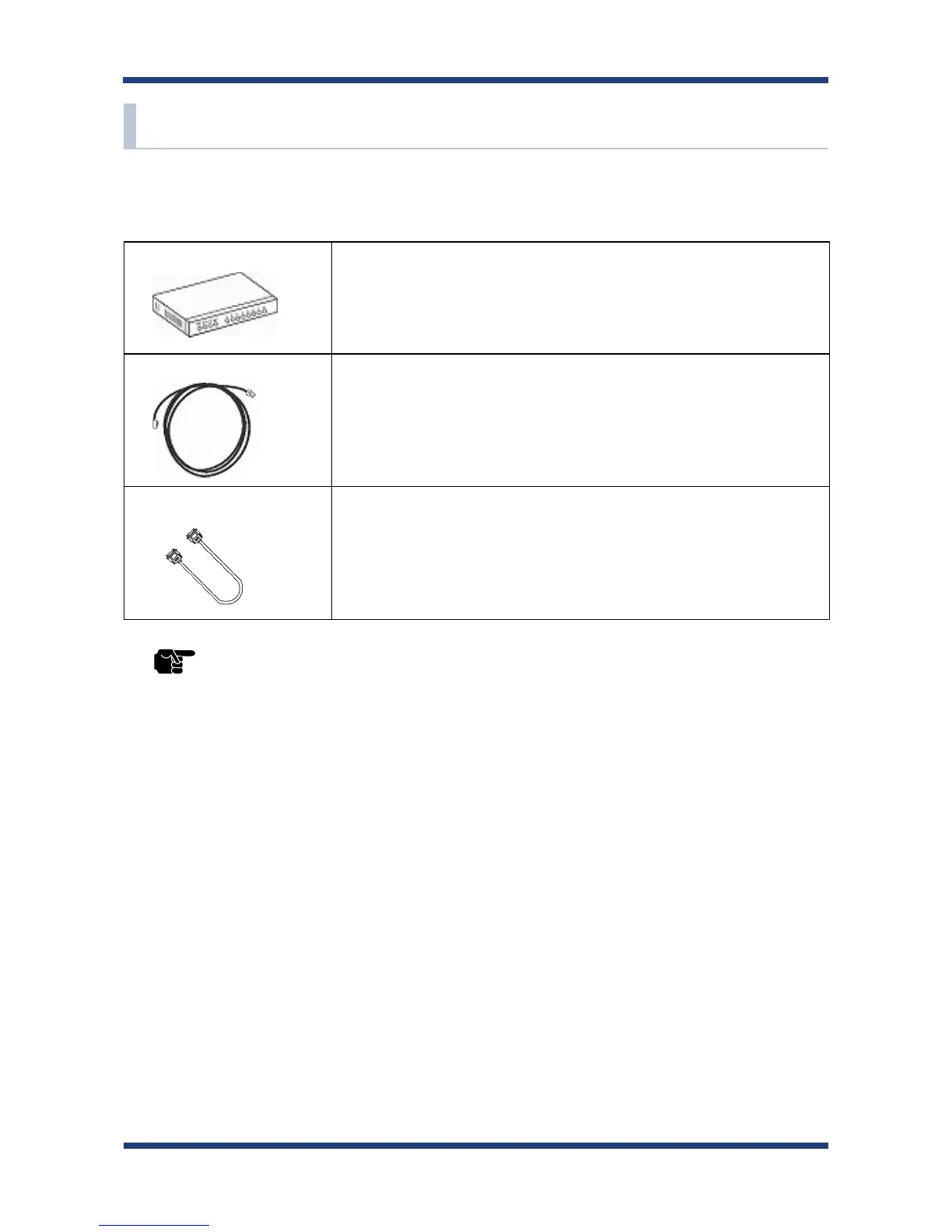
Ethernet Hub Use to connect SD-300 and other network devices such as a PC.
When there are available LAN ports on the network in which SD-300
is to be installed, you do not have to purchase a new Ethernet Hub or
broadband router as SD-300 can be connected to the available LAN
port.
Network Cable Use to connect SD-300 and network devices such as an Ethernet Hub,
broadband router and PC.
Serial Cable Use to connect SD-300 and serial devices.
For details on the supported serial cable, refer to 2-3. Parts and
Functions - Serial Port PIN Assignment and Serial Cable.
* When you connect SD-300 to 100BASE-TX network, please use the Ethernet Hub and network cable which
support 100BASE-TX (category 5 or above).
TIP



 To Next Page