134
SD-300/SD-320AN User's Manual
Please download the latest rmware le from our website.
For how to download the rmware le, refer to Download the Utilities.
Update Firmware
<<Download the latest rmware le>>
<<Update the rmware>>
* Before you start, please make sure that no PCs are currently linked.
* Do not turn o SD-300/SD-320AN while the rmware update is in process.
* It is recommended to take notes of the current settings. You cannot restore it once the rmware update is
complete.
Access the Web page of SD-300/SD-320AN.
* For details on how to access the Web page, refer to Access the SD-300/SD-320AN Web Page.
TIP
1.
Note
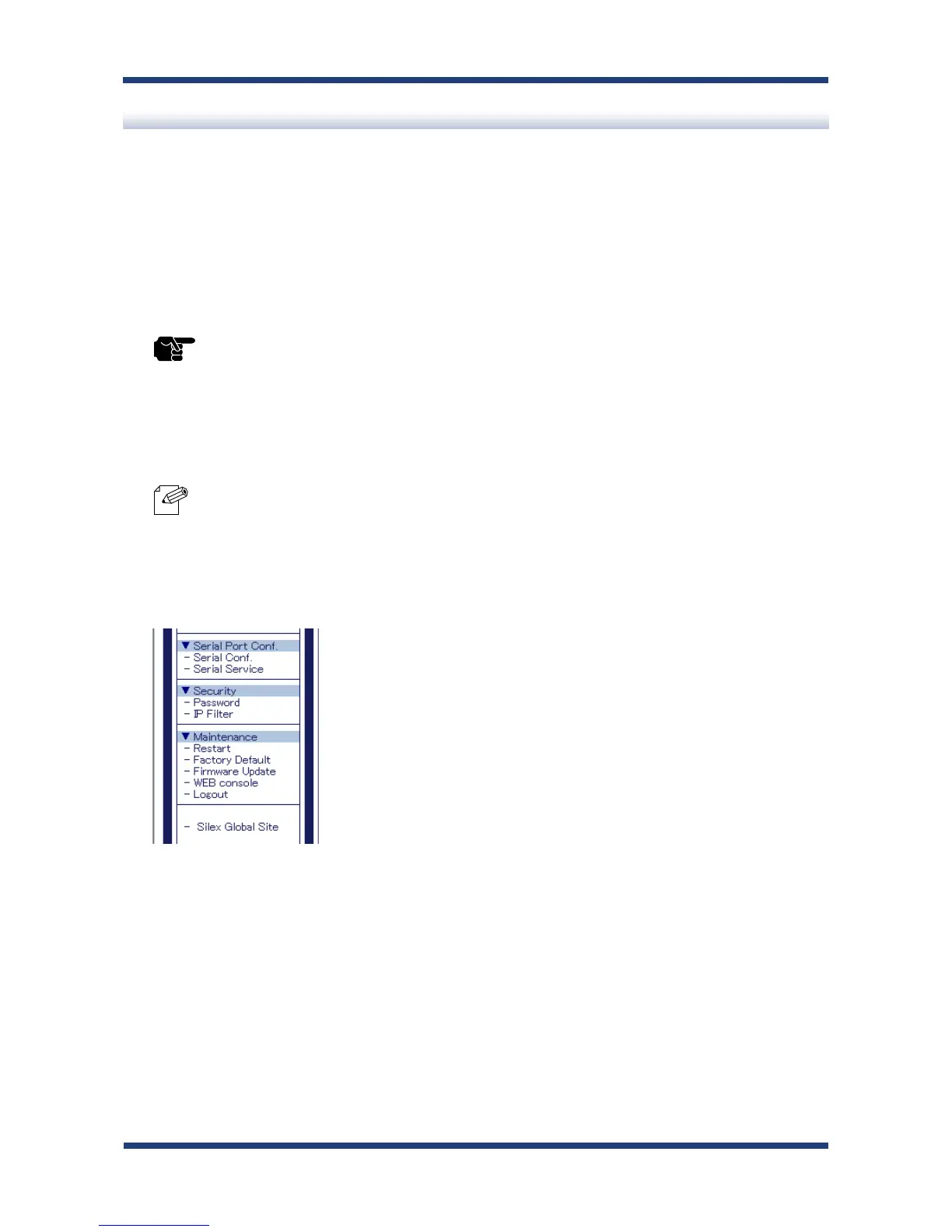
In the left pane of the Web page, click Firmware Update.
2.



 To Next Page