6. How to Use
83
Start a serial communication software such as a terminal software program.
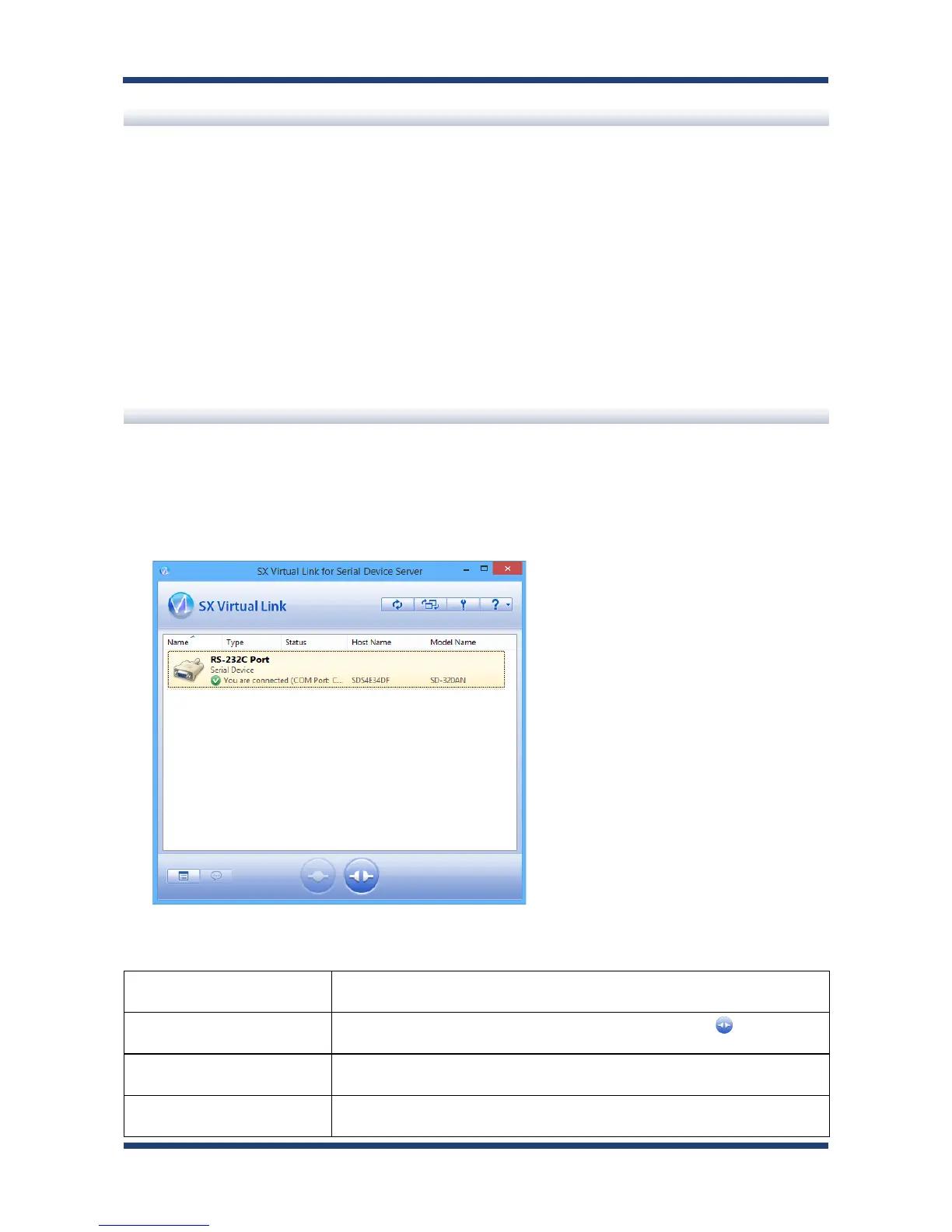
On the serial communication software, select the COM port that is displayed in the status
column of SX Virtual Link for Serial Device Server's main window. Also, congure the serial
port settings such as baud rate, stop bit, etc.
Once the communication settings are complete, you can communicate with the serial device
connected to SD-300/SD-320AN.
Start a serial communication software
Unlink from a serial device
How to unlink from serial device is as follows:
Select the serial device in SX Virtual Link for Serial Device Server's main window and
disconnect from it.
How to Unlink:
Double-click Double-click the serial device in SX Virtual Link for Serial Device Server's
main window.
Use a button Select the serial device and click the Disconnect button in SX Virtual
Link for Serial Device Server's main window.
Right-click Right-click on the serial device in SX Virtual Link for Serial Device Server's
main window and click Disconnect in the menu displayed.
Use a keyboard Select the serial device using the up/down arrow keys and press Alt + D
on your keyboard.



 To Next Page