78
SD-300/SD-320AN User's Manual
Start SX Virtual Link for Serial Device Server
How to start SX Virtual Link for Serial Device Server is as follows:
Click the icon in the task tray.
* If SX Virtual Link for Serial Device Server is not running, click Start - All Programs - SX Virtual Link for
Serial Device Server - SX Virtual Link for Serial Device Server.
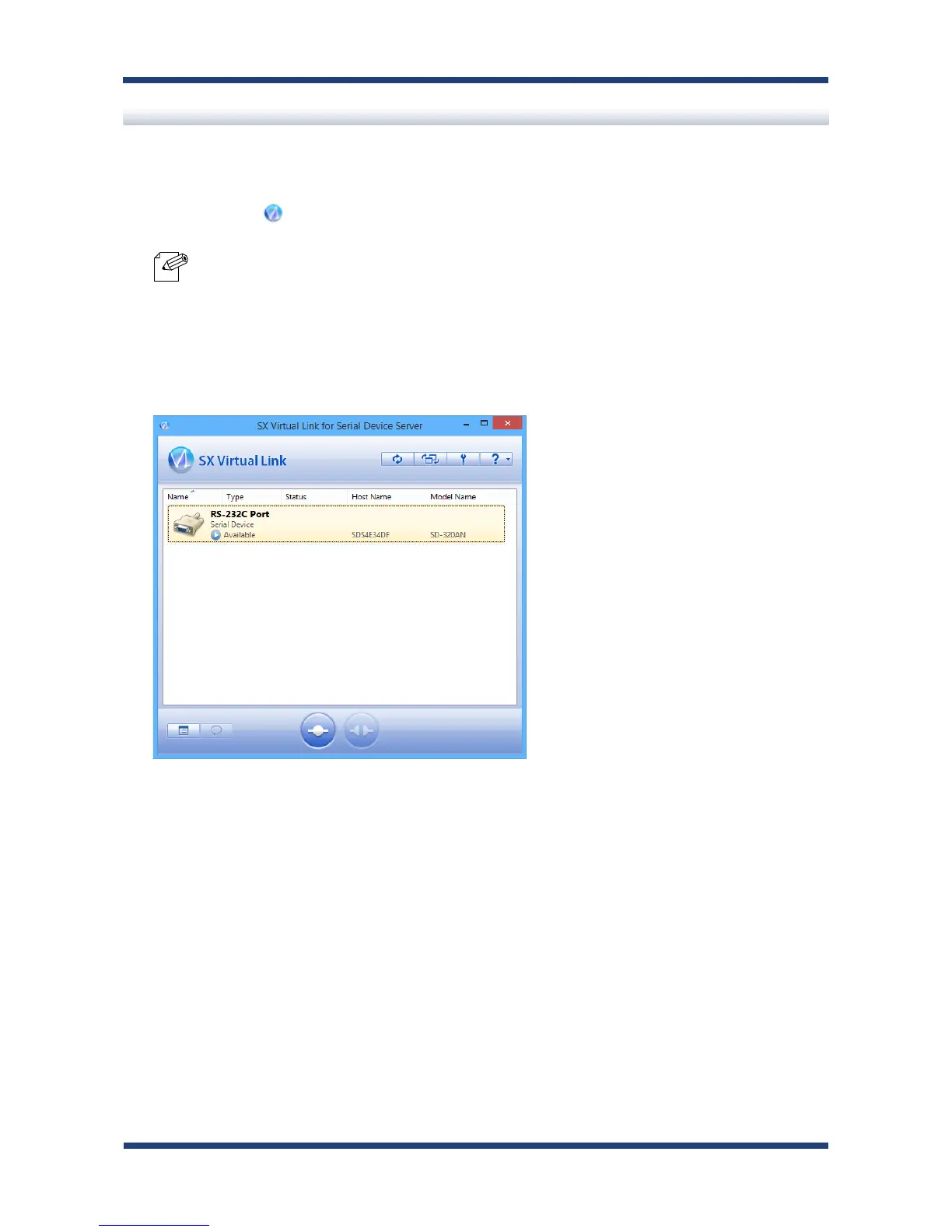
The SX Virtual Link for Serial Device Server's main window appears and the serial devices
running on the network are displayed in the device list.
Note
1.
2.



 To Next Page