6. How to Use
77
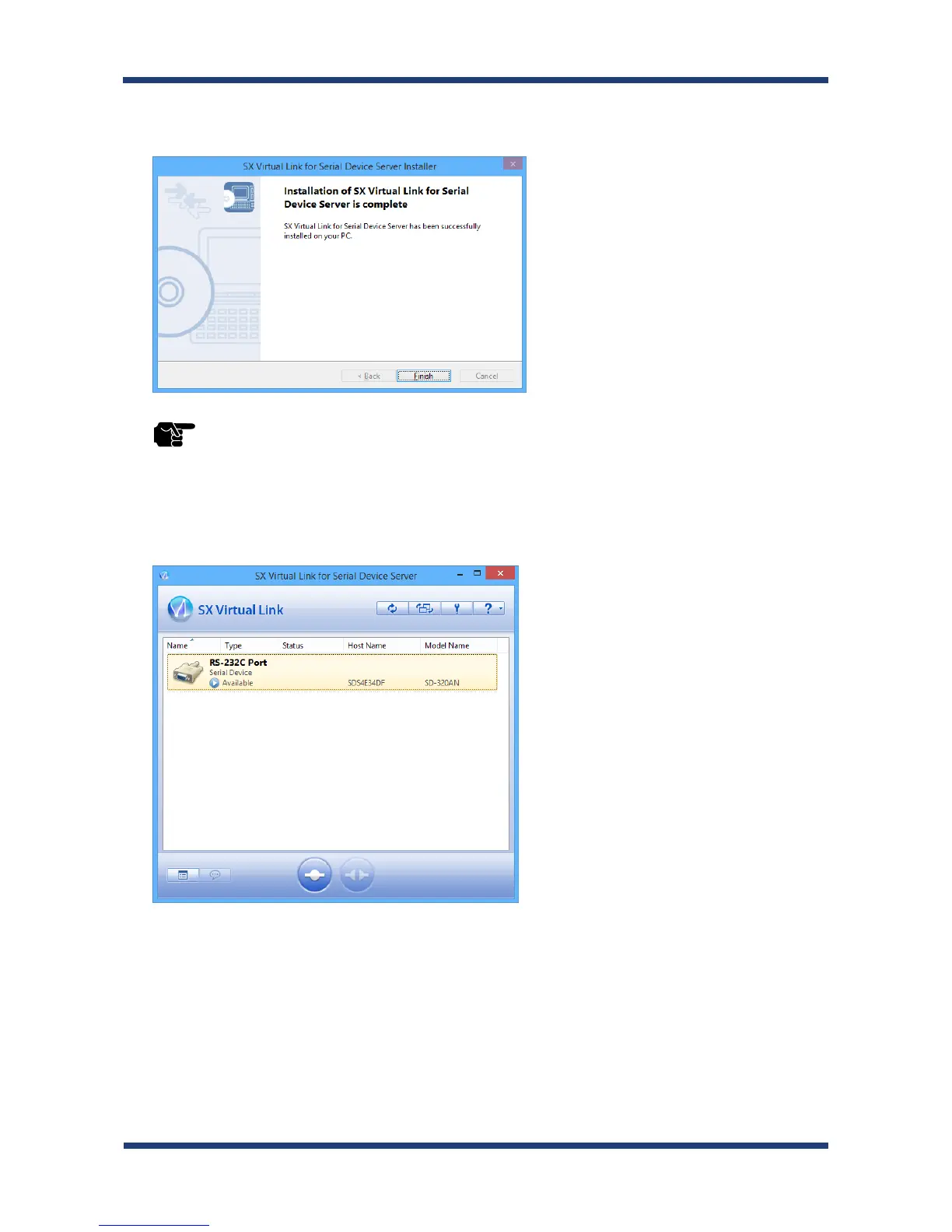
SX Virtual Link for Serial Device Server has been installed. Click Finish.
10.
* If using a rewall function of commercial security software, please add SX Virtual Link for Serial Device
Server to the exception list in your security software. Refer to the FAQ on our website ( http://www.
silexamerica.com/ ) for details on adding an application to the exception list.
TIP
Application installation is complete. SX Virtual Link for Serial Device Server will run.



 To Next Page