88
SD-300/SD-320AN User's Manual
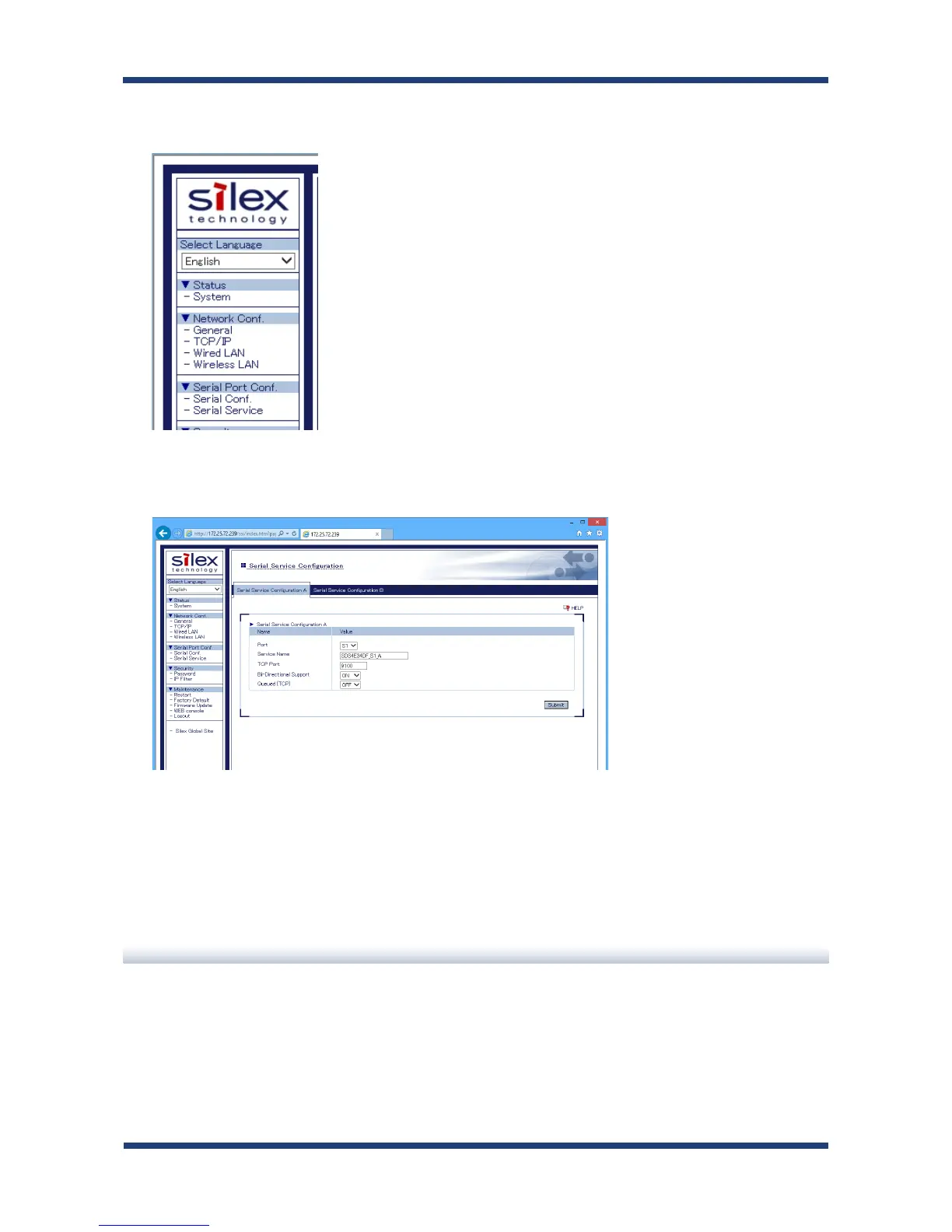
In the left pane of the Web page, click Serial Service.
For TCP Port, enter the same value for both receiver end and transmitter end.
When completed, click the Submit button.
The conguration has been completed.
9.
10.
Link to Serial Device
Power on both serial devices and then both SD-300/SD-320AN's.
After they are powered on, bidirectional communication will be active between the serial
devices.



 To Next Page