5. How to Congure (SD-320AN)
55
1.
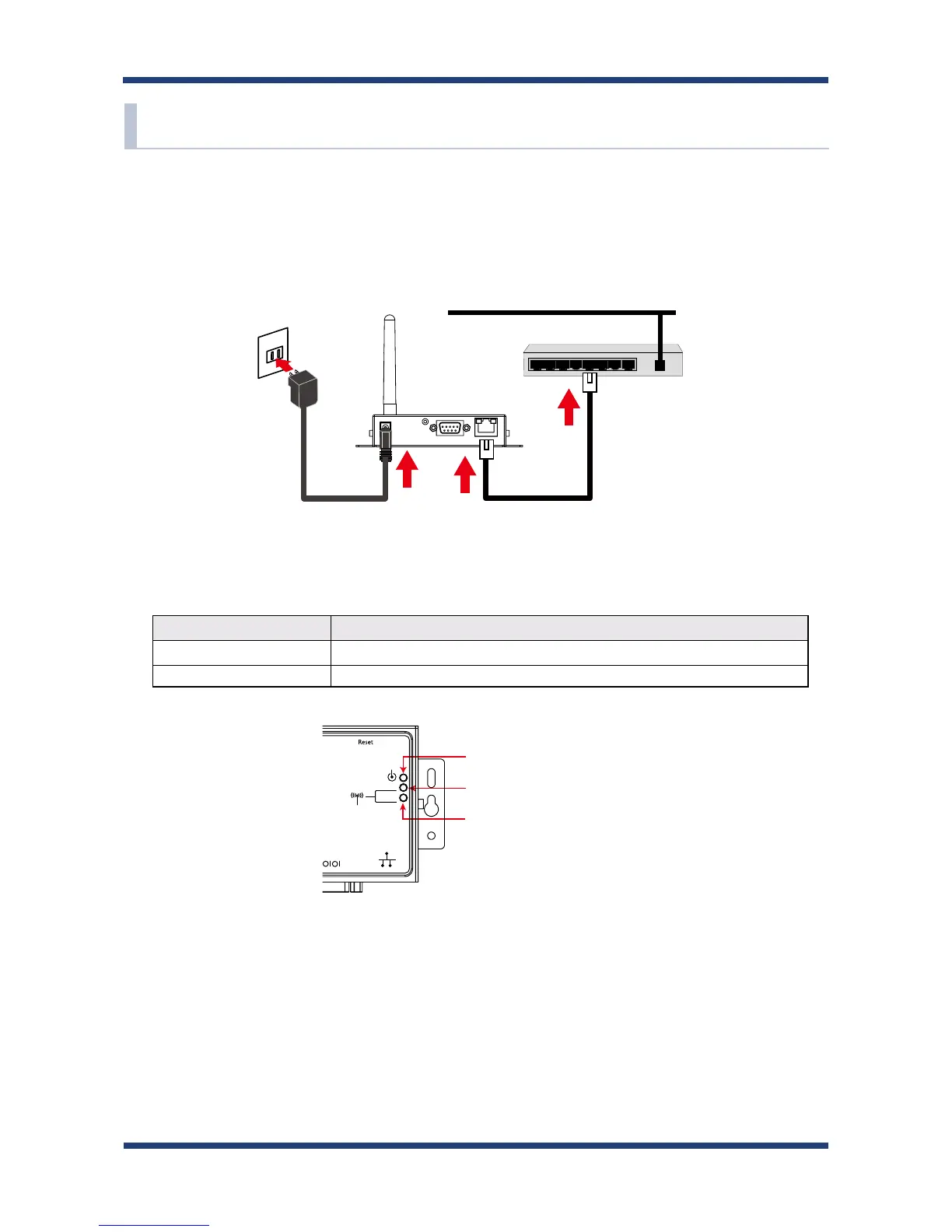
Connect a network cable to SD-320AN and the other end to an Ethernet Hub (or
broadband router, Access Point, PC).
Then, connect the AC adaptor to SD-300 and the plug to the outlet.
2.
Check that the LEDs on SD-320AN light as follows.
LED Status
Orange LED ON
Green/Yellow LEDs OFF
OrangeLED:ON
YellowLED:OFF
GreenLED:OFF
SD-300/SD-320AN
5-3. Power on
NetworkCableACadaptor
Network
EthernetHub
SD-320AN
(2)
(1)
(3)
(4)



 To Next Page