5. How to Congure (SD-320AN)
65
Push Button Method
1.
Press the WPS button on your wireless LAN router.
Check that your wireless router start to wait for a wireless connection.
* The name, position and shape of the WPS button will dier depending on your wireless router. For details,
refer to the operation manual that came with your wireless router.
* Please use only one wireless router. If two or more routers are waiting for wireless connections, SD-320AN
will not be able to connect properly.
2.
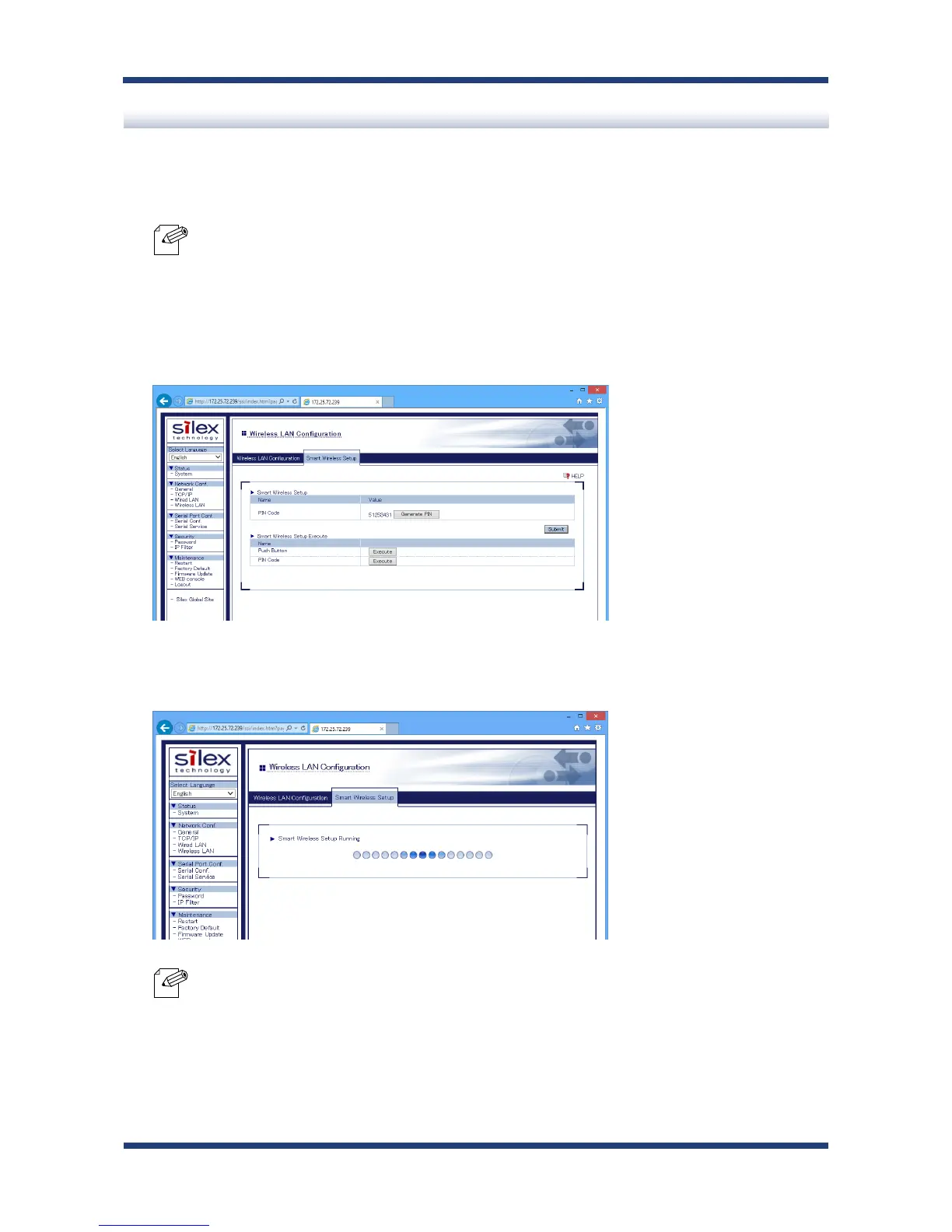
In the Web page, click Execute at Push Button.
3.
The Smart Wireless Setup will begin.
* Depending on your environment, it may take up to 2 mins to nish the wireless conguration.
Note
Note



 To Next Page