6. How to Use
85
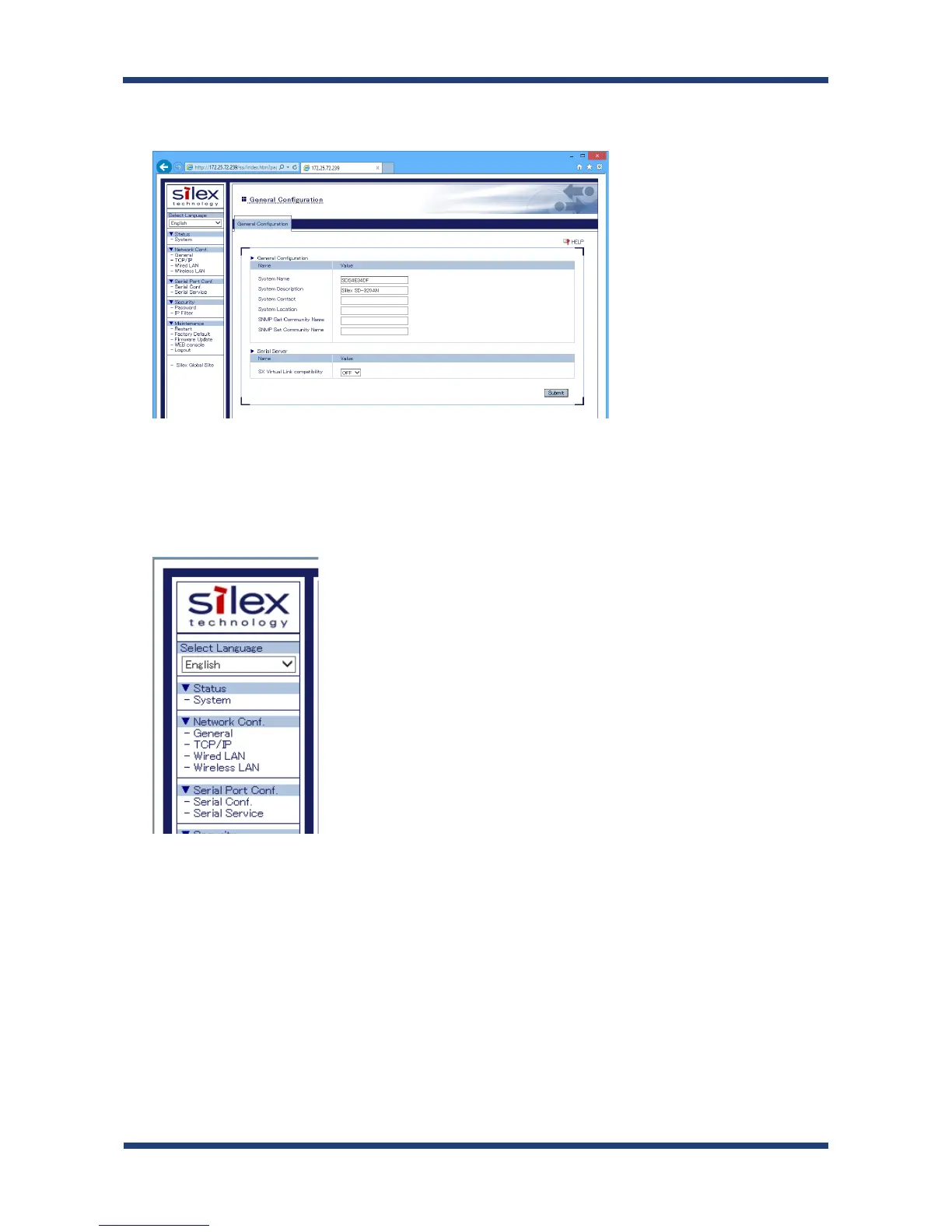
Select OFF for SX Virtual Link compatibility.
When completed, click the Submit button.
3.
In the left pane of the Web page, click Serial Conf.
4.
5.
In the page displayed, configure the following settings at General Configuration as
appropriate for your serial device.
* Baud Rate
* Bits per character
* Stop Bits
* Parity
* Flow Control



 To Next Page