5. How to Congure (SD-320AN)
57
* If the User Account Control screen is displayed, click Continue or Yes.
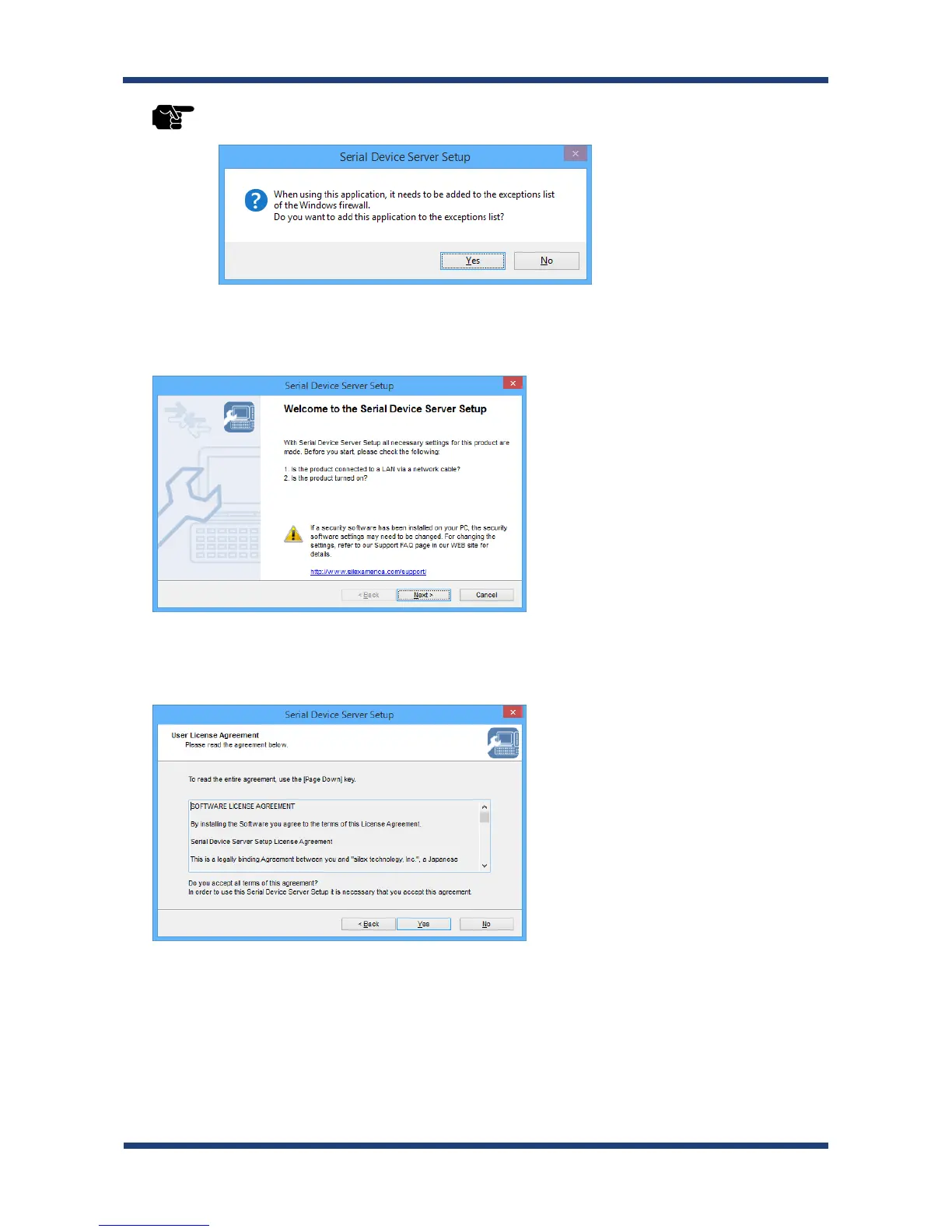
* If the message below is displayed, click Yes.
4.
The Serial Device Server Setup screen is displayed. Click Next.
5.
Read the SOFTWARE LICENSE AGREEMENT and click Yes.
TIP



 To Next Page