6. How to Use
81
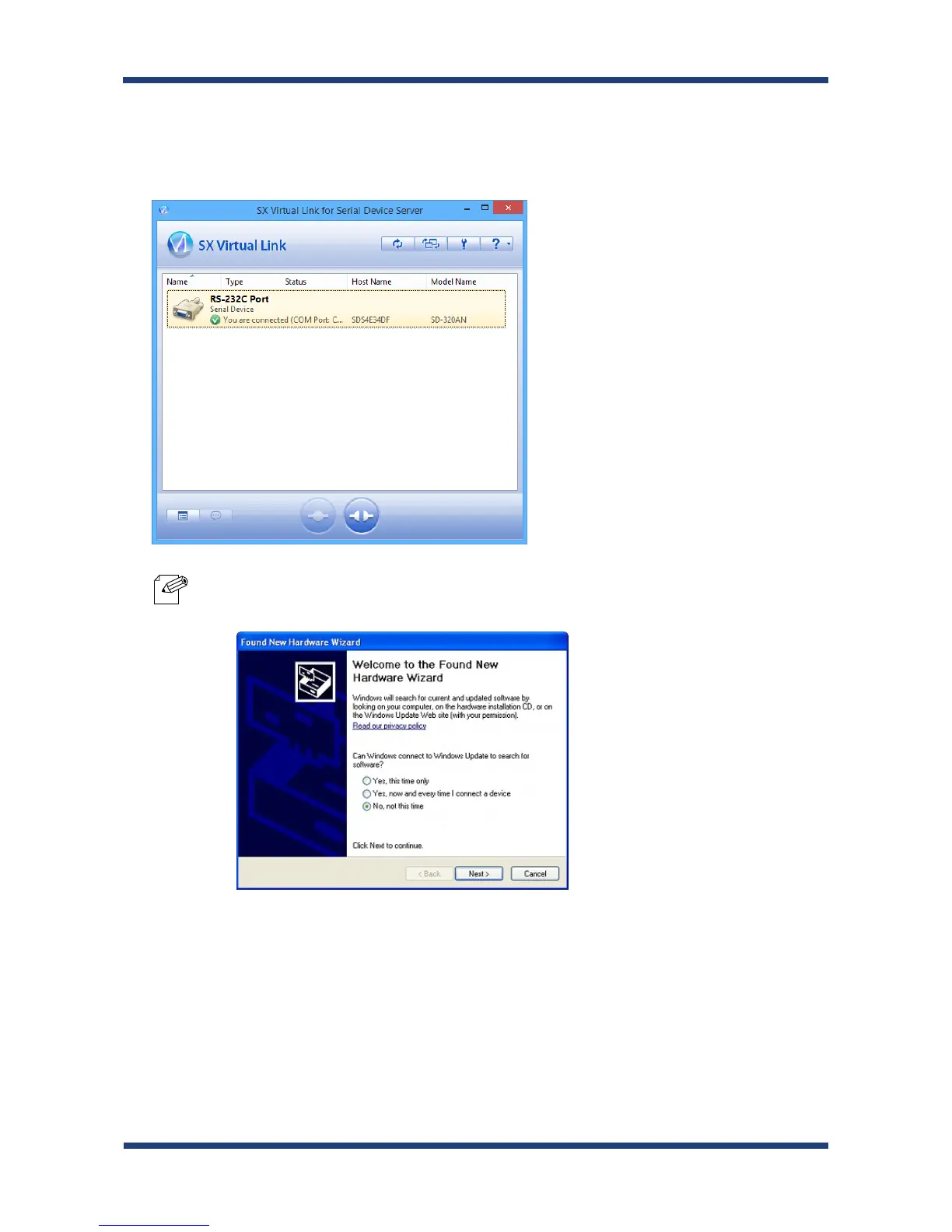
Once you successfully link to the serial device, the status icon is changed in SX Virtual
Link for Serial Device Server's main window.
The COM port that you have selected is displayed in the status column.
* If Found New Hardware Wizard is displayed, install software for the device according to the followings:
1. Select No, not this time and click Next.
Note
2.



 To Next Page