D10
18
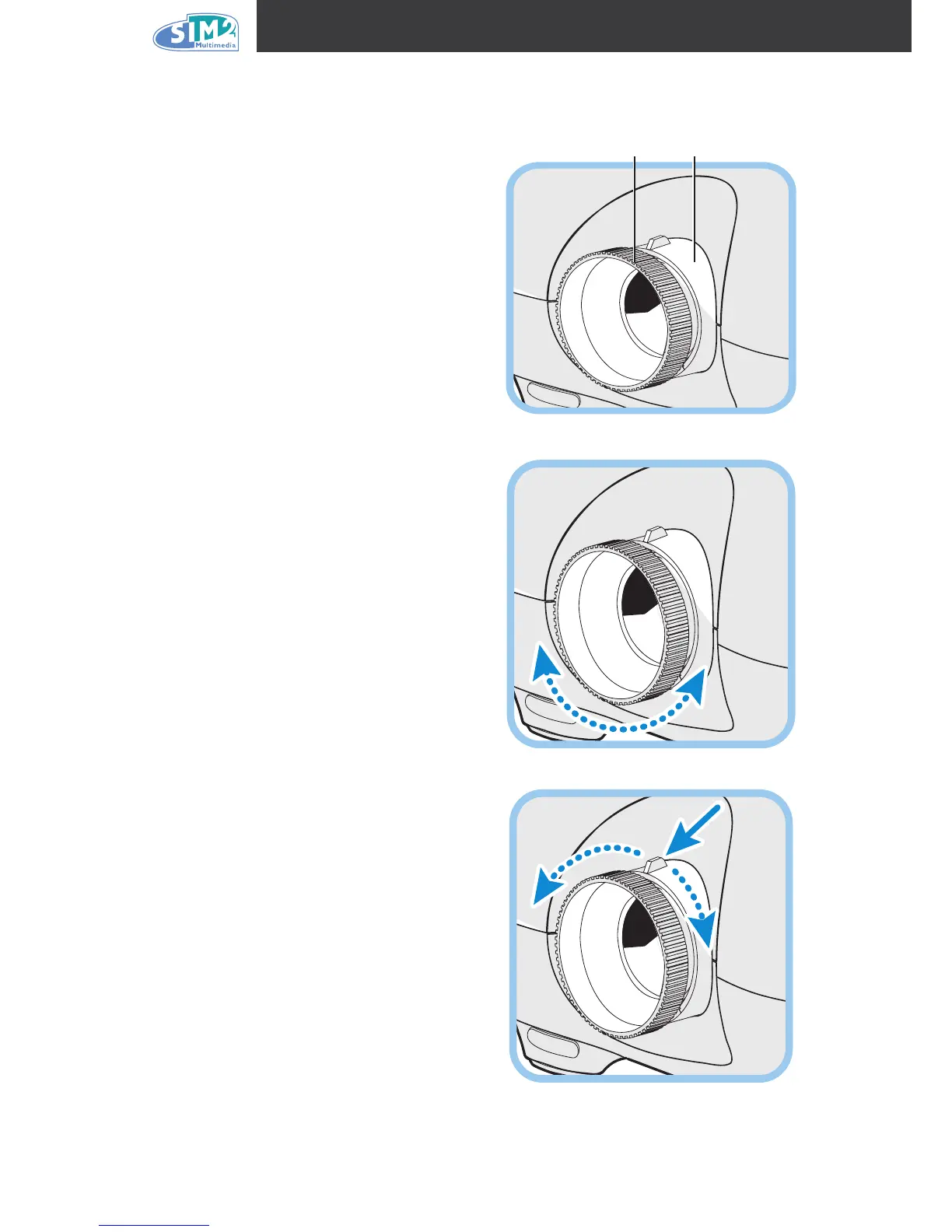
Adjusting the Focus and Zoom
1.
L o c a t e t h e i m a g e z o o m an d f o c u s
adjustment rings on the projector.
Focus Zoom
2.
Use the image zoom control to resize the
projected image and screen size.
3.
Rotate the image focus control to sharpen
the projected image.



 To Next Page