D10
8
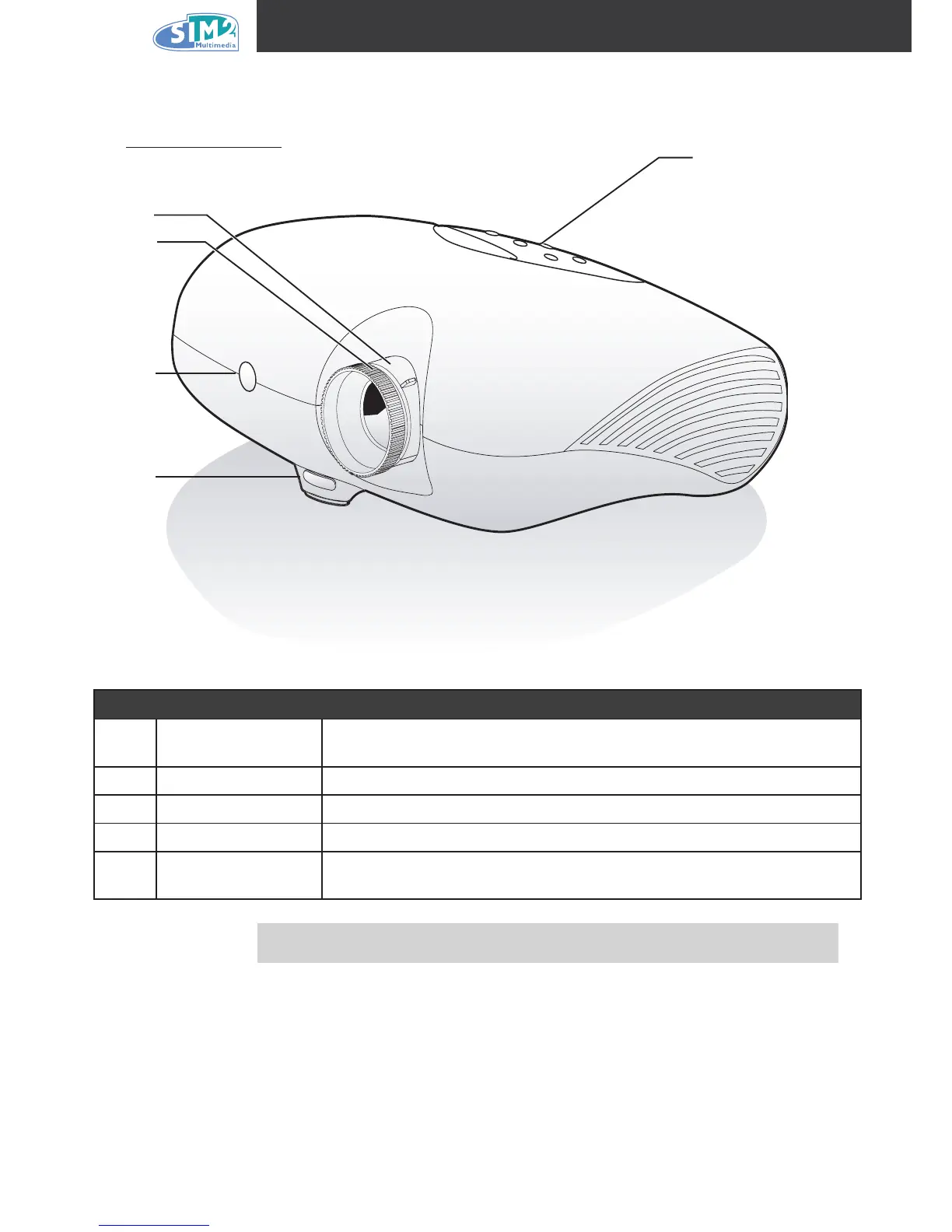
A Tour of the Projector
Front-right View
iteM label deScriptiOn
1 Control panel
Operates the onscreen display. Refer to the next page for a description
of the buttons
2 Lens zoom Enlarges the projected image
3 Focus Focuses the projected image
4 Front IR receiver Receiver for IR signal from remote control
5
Height adjuster
button
Press button to adjust height
Important!
Ventilation openings on the projector allow for good air circulation, which
keeps the projector lamp cool. Do not obstruct any of the ventilation openings.
3
2
4
1
5



 To Next Page