31
D10
4. Maintenance and Security
Replacing the Projection Lamp
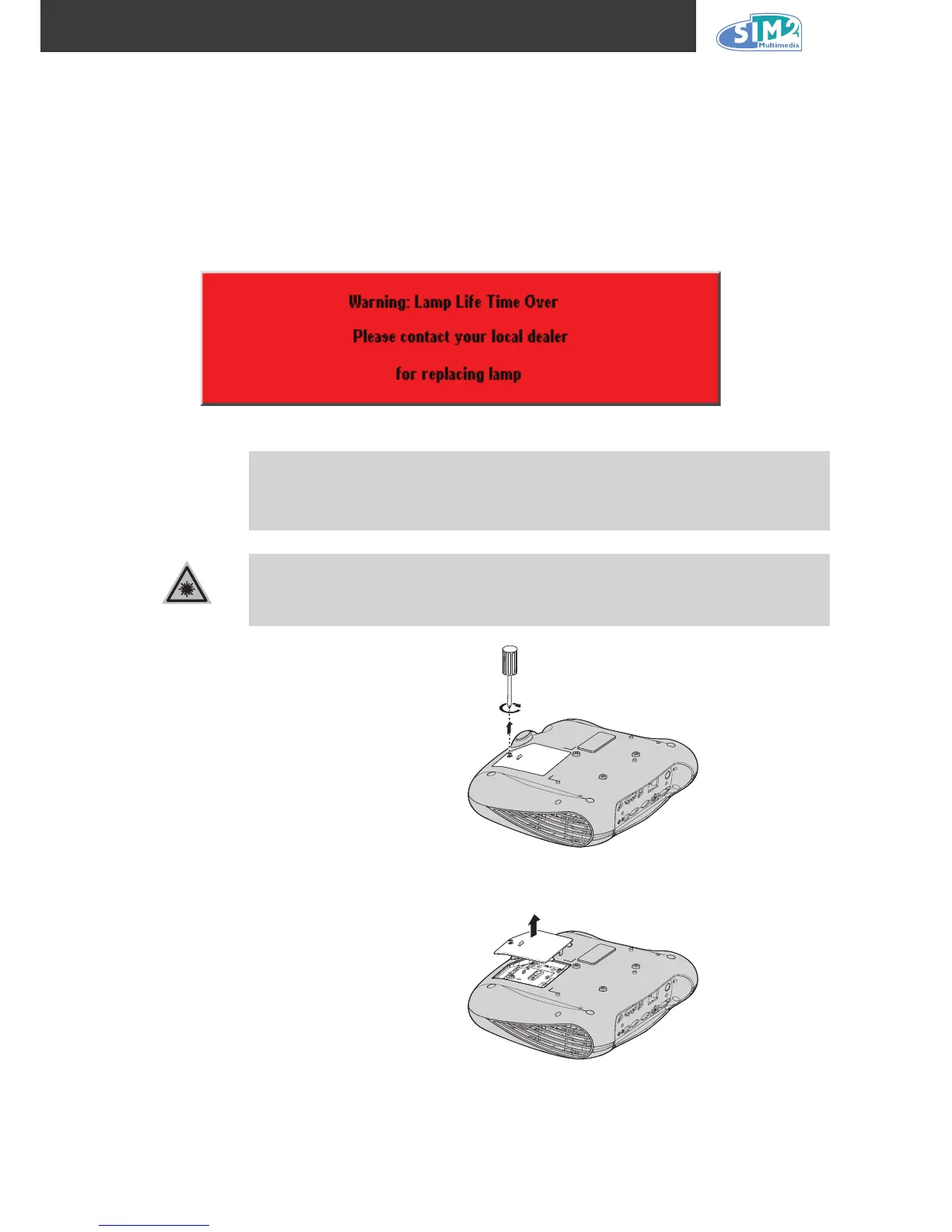
Sim2 recommends changing the projection lamp after a warning message displays Warning:
Lamp life time Over. It should only be replaced with a certied replacement part, which you can
order from your local dealer.
Important!
The lamp contains a certain amount of mercury and should be disposed of
according to local ordinance regulations.
Avoid touching the glass surface of the new lamp: Doing so may shorten
its operation life.
1.
2.
Be sure to turn off and unplug the projector at least an hour before replacing
the lamp. Failure to do so could result in a severe burn.
1.
Loosen the screw on the lamp
compartment cover.
2.
Open the lamp compartment
cover.



 To Next Page