D10
28
iteM deScriptiOn default
Phase
Press the cursor ◄ ► button to adjust the A/D sampling clock.
(Range: 0 - 100)
50
Frequency
Press the cursor ◄ ► button to adjust the A/D sampling number.
(Range: 0 - 100)
50
Resync
Press the cursor ◄ ► button to automatically synchronize the
projector to the input source.
(Range: 10 – 20 sec.)
15
Reset Resets all settings to default values. —
The Cong menu functions are available to all video sources.
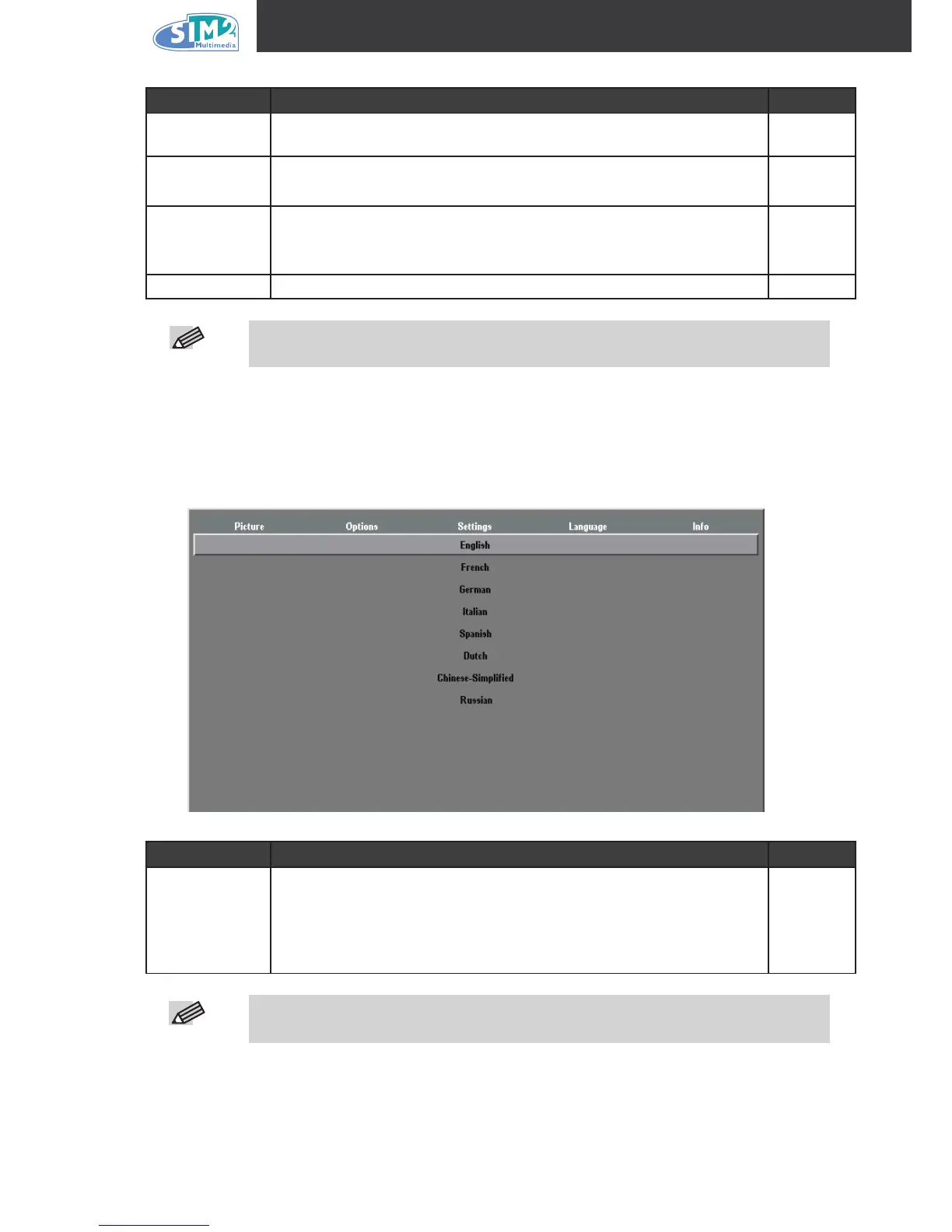
Language Menu
Press the Menu button to open the OSD menu. Press the cursor ◄ ► button to move to the
Language menu. Press the cursor ▲▼ button to move up and down in the Language menu.
Select the value, and then press Enter to conrm the new setting.
iteM deScriptiOn default
Language
Press the cursor ◄ ► to select the desired language.
Language options: English, French, German, Italian, Spanish,
Dutch, Chinese-Simplied, Russian.
English



 To Next Page