D10
20
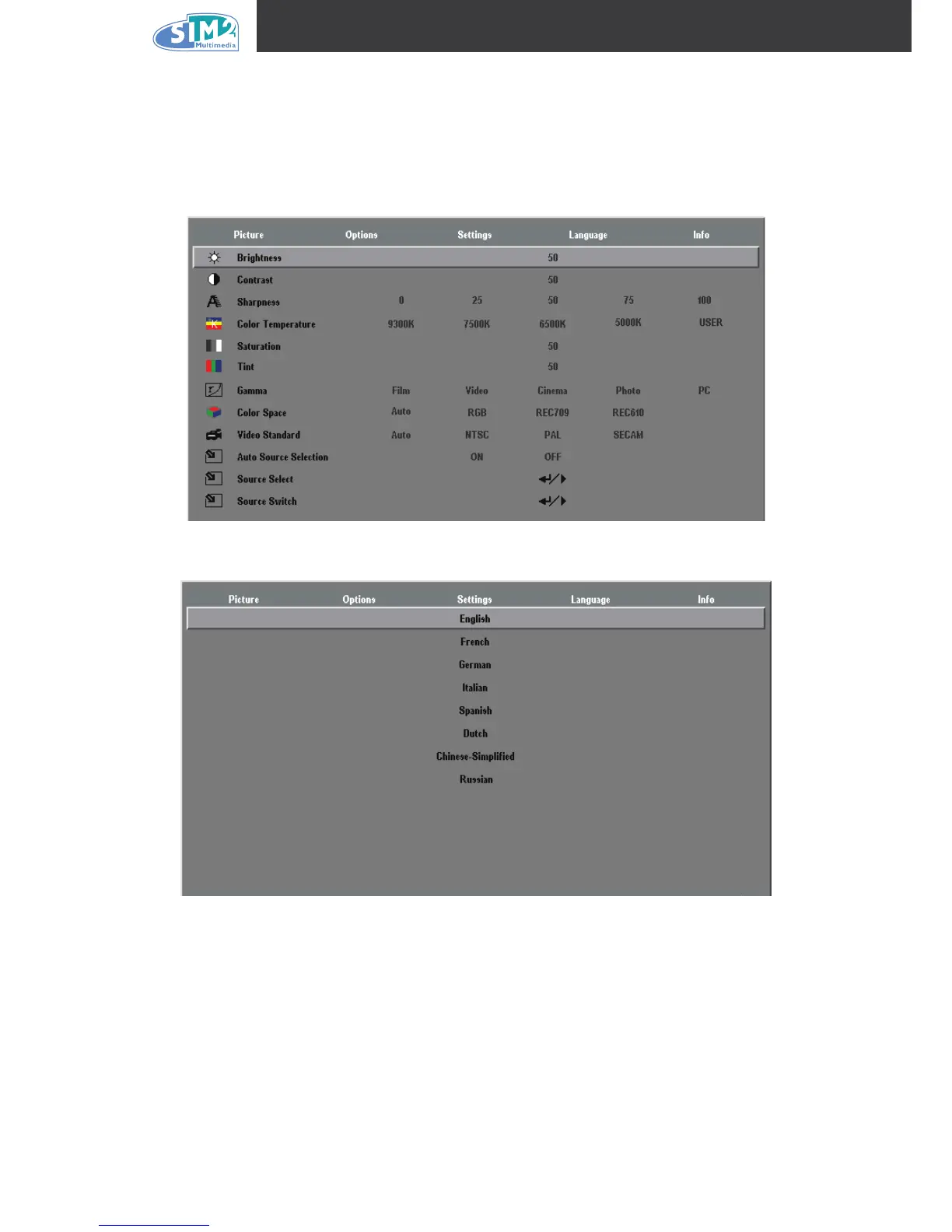
Setting the OSD Language
You may want to reference the OSD on your projector while reading this section. Set the OSD
language to your preference before continuing. (The default language is English.)
Press the Menu button. The Image menu appears.
Press the cursor ◄ ► button until Language is highlighted.
Press the cursor ▲▼ button until the desired Language is highlighted.
Press the Menu button to conrm the language, and close the OSD.
1.
2.
3.
4.



 To Next Page