EasyManua.ls Logo

Sim2 D10 - OSD Menu Overview

Sim2 D10
44 pages
Print Icon
To Next Page IconTo Next Page
To Previous Page IconTo Previous Page
Loading...
21
D10
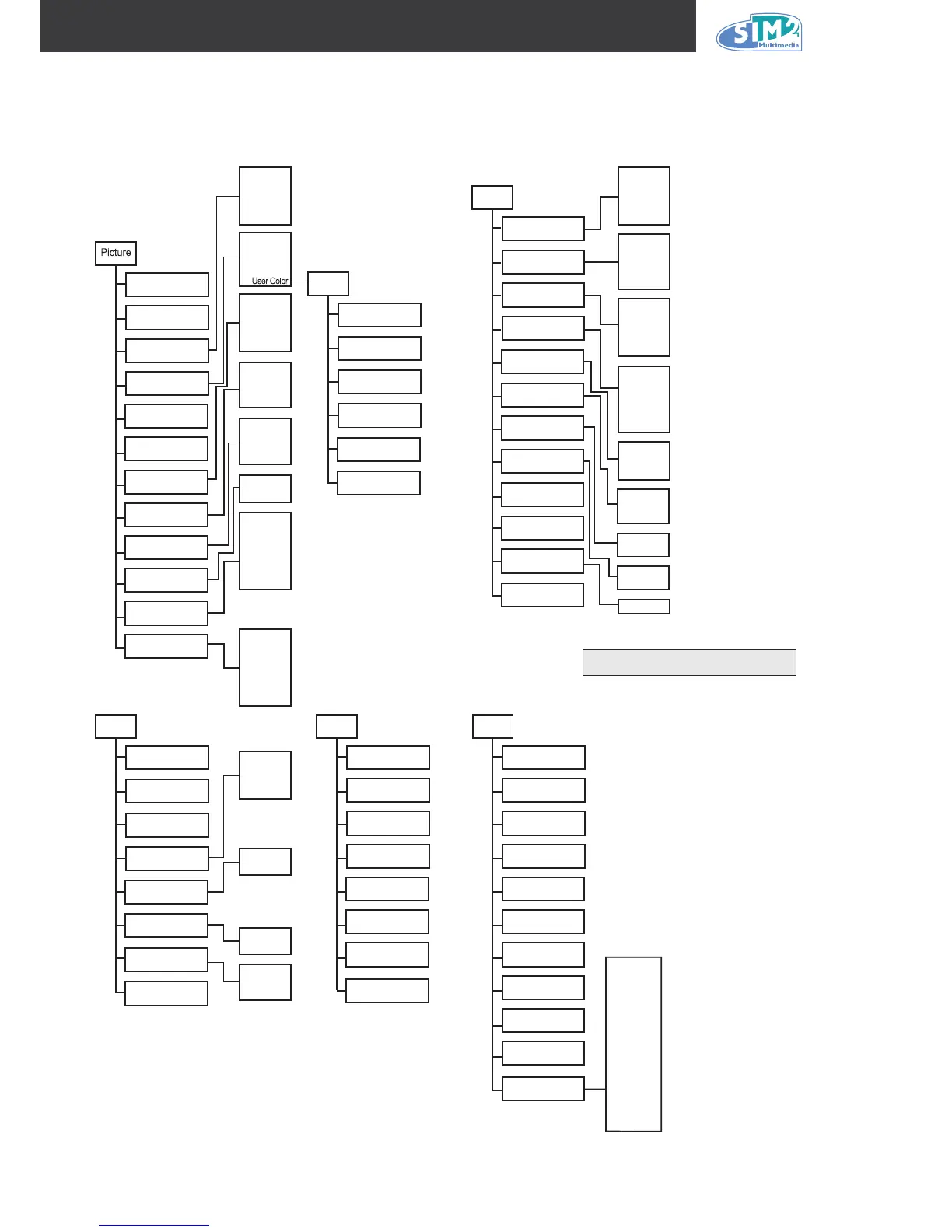
OSD Menu Overview
Use the following illustration to quickly nd a setting or determine the range for a setting.
(1) None *
(2)
(3)
(4) Vertical
Ramp
(5) Horizonal
Ramp
(6) Grid
(7) Horizontal
Lines
(8) Vertical
Lines
(9) Diagonal
Lines
(
10)
Model Name
Unit S/N
Software Version
Active Source
Pixel Clock
Signal Format
H/V Refresh Rate
SyncType
Lamp Hours
Lamp Hour Reset
(1) Black *
(2) Blue
(3) Gray
(4) Red
(5) Green
(1) 1 *
(2) 2
(3) 3
(4) 4
(5) 5
(1) 0%
(2) 25%
(3) 50% *
(4) 75%
(5) 100%
(1) Front *
(2) Rear
(3) Front &
Ceiling
(4) Rear &
Ceiling
(1) Eco *
(2) Normal
(3) Boost
(1) M1 *
(2) M2
(3) M3
(1) On
(2) Off *
(1) On
(2) Off *
(1) Execute
Blank Color
Menu Position
Translucent Menu
Projection Type
Power Mode
Save Memory
Auto Power Off
Auto Power On
Phase 0~100
Freq. Tracking 0~100
Resync
User Color
Red Gain 0 ~ 100
Green Gain 0 ~ 100
Blue Gain 0 ~ 100
Red Offset 0 ~ 100
Green Offset 0 ~ 100
Blue Of
Note: The default value for
all User Color settings is 50.
fset 0 ~ 100
Language
English
French
German
Italian
Spanish
Chinese-Simplified
Russian
(1) 0
(2) 25
(3) 50 *
(4) 75
(5) 100
(1) 9300K
(2) 7500K
(3) 6500K *
(4) 5000K
(1) Film
(2) Video
(3) Cinema
(4) PC
(5)
(5) Photo
(1) Auto *
(2) RGB
(3) REC709
(4) REC610
(1) Auto *
(2) NTSC
(3) PAL
(4) SECAM
(1) On
(2) Off *
Brightness 0 ~ 100
Contrast 0 ~ 100
Sharpness
Color Temperature
Saturation
Tint
Gamma
Color Space
Video Standard
Auto Source
Selection
Source Select
(1) 16:9 *
(2) Letter Box
(3) Native
(4) 4:3
(1) On *
*
(2) Off
(1) On
(2) Off
H. Position 0 ~ 100
V. Position 0 ~ 100
Keystone
Aspect
Logo Display
Video Overscan
0 ~ 100
0 ~ 100
Options
Video Sync Level
160 ~ 310 mV
Dutch
(1)
(2)
(3)
DVI
(4)
(5)
Video
(6)
S-Vide
o
HDMI
(7)
RGBs
Graphoc RGB
Component
(1)
(2)
(3)
DVI
(4)
(5)
Video
(6)
S-Vide
o
HDMI
(7)
RGBs
Graphoc RGB
Component
Source Switch
Info
Logo
Display
Black Screen
White Screen
Reset
(1) 0%
(2) 2.5%
(3) 5%
Internal Test Pattern
Brilliant Color
Notes: * indicates the default value.
Settings

Other manuals for Sim2 D10

Related product manuals