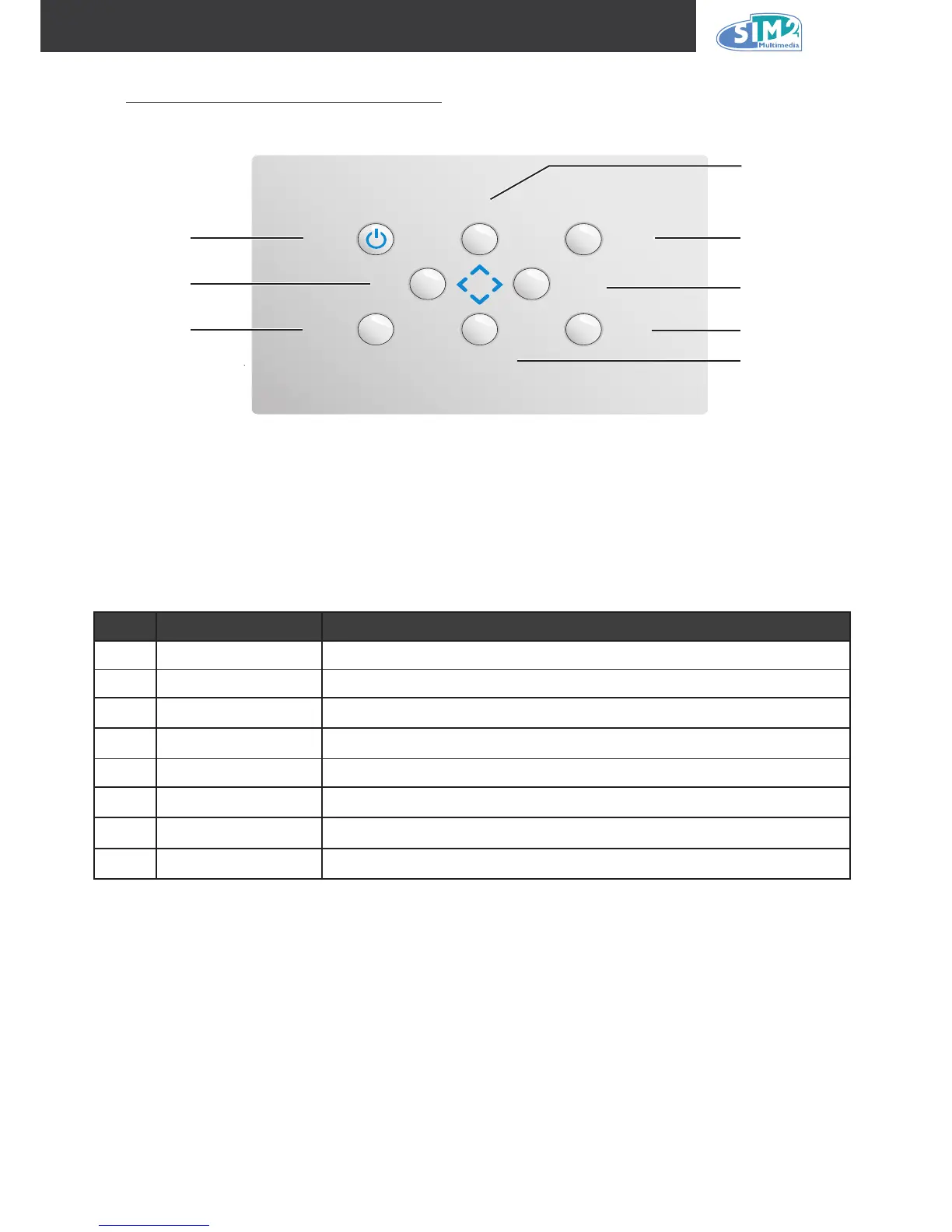
iteM label deScriptiOn
1 Power Turns the projector on or off
2 Left Navigates and changes settings in the OSD
3 Menu Opens and exits the OSD
4
Up
Navigates and changes settings in the OSD
5 Enter Changes settings in the OSD
6 Right
Navigates and changes settings in the OSD
7 Input
Detects the input device
8 Down
Navigates and changes settings in the OSD
1
2
4
5
6
7
3
8



 To Next Page