3. In the dropdown menu ▼ Type select the entry "Input Event".
4. Click on the button Configure event .
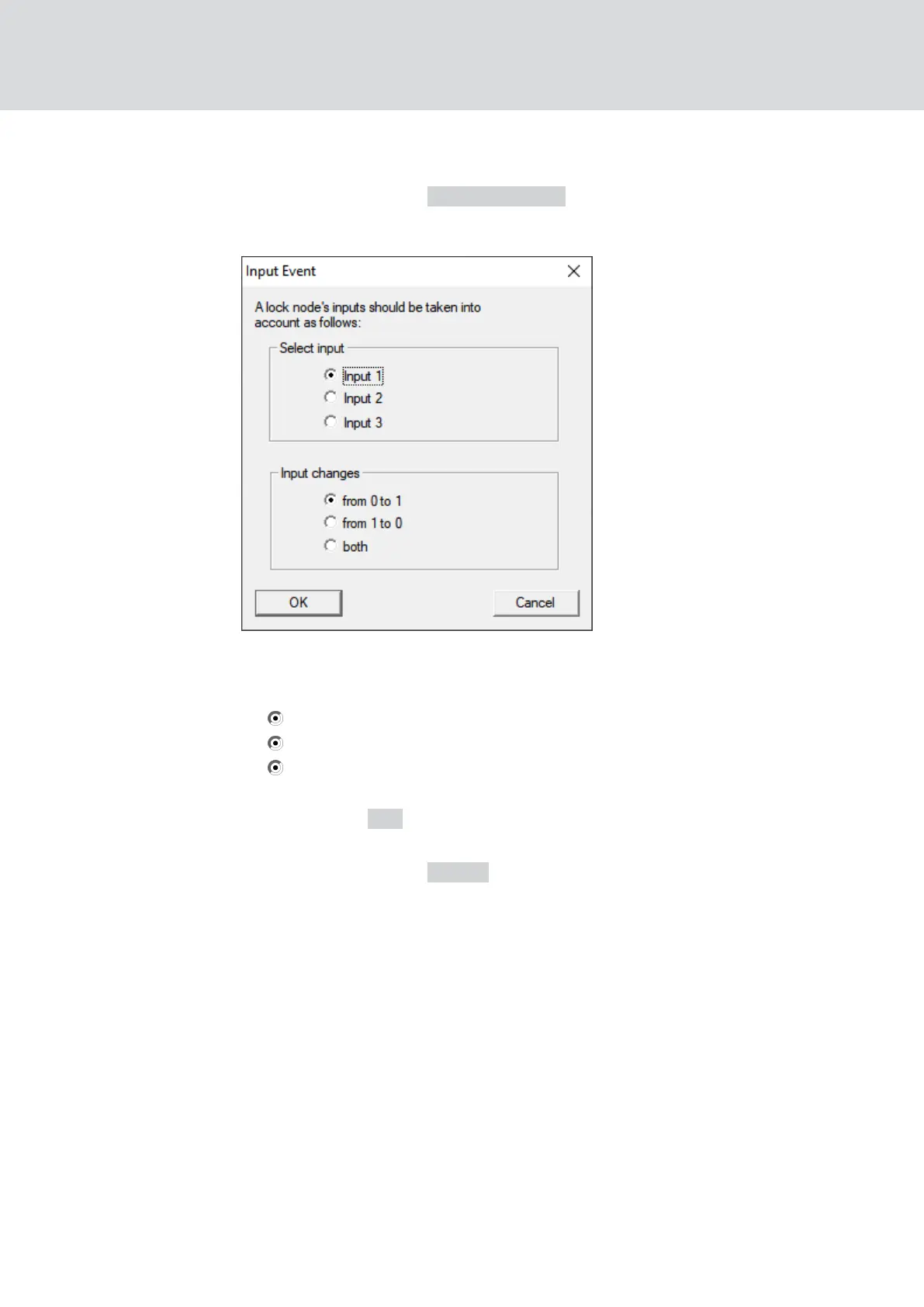
9 The window "Input Event" opens.
5. In the area "Select input" select the input that troggers your RingCast.
6. In the area "Input changes" select when your RingCast starts.
from 0 to 1: RingCast starts when the signal is present.
from 1 to 0: RingCast starts when the signal is no longer present.
both: RingCast starts when the signal is present and when it is no
longer present.
7. Click on the OK button.
9 The "Input Event" window closes.
8. Click on the button Select .
9 The window "Administration" opens.
WaveNet (Manual)
5. WaveNet Manager
124 / 210



 To Next Page